 Reyuko
Free Accounting Software for Small Business: A 2026 Buyer's Guide
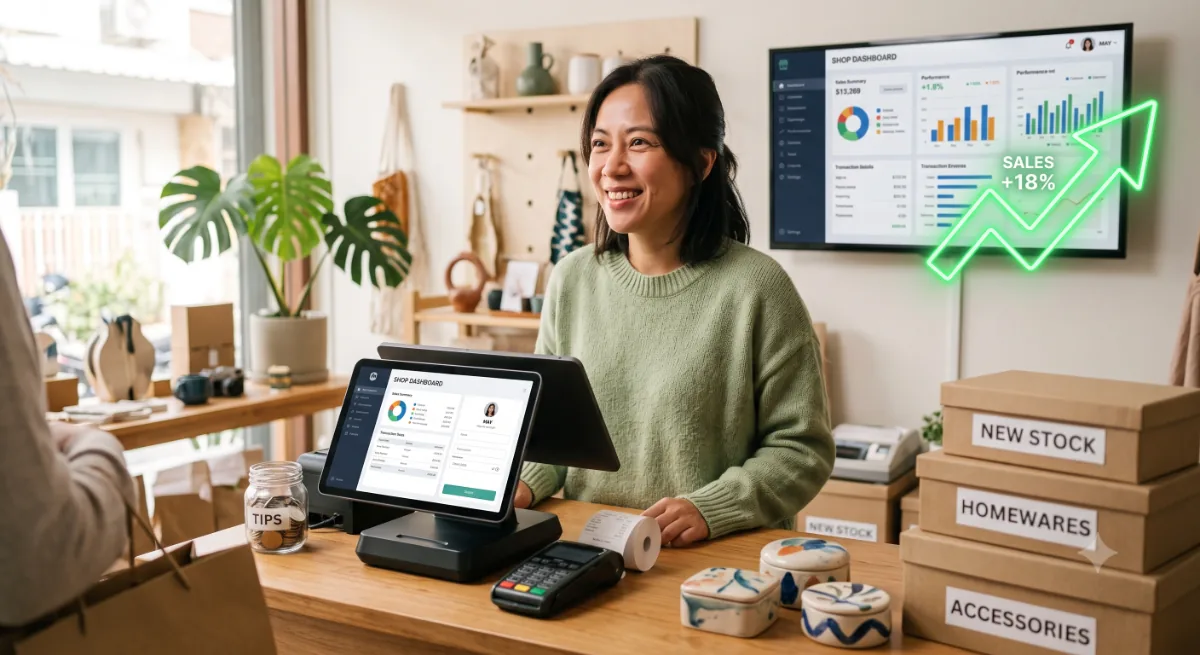
For a small business, "free accounting software" is genuinely appealing — until you hit the wall. Most free plans are built for solo freelancers, so the moment you carry stock, run a counter, or add a second person, you're pushed onto a paid tier. This guide covers what small businesses actually need, so you pick a free tool you won't outgrow by next quarter.
What "free" really means (read the fine print)
Watch for three common catches:
- Trials disguised as free. "Free for 30 days" is not free software.
- Feature paywalls. Invoicing is free; inventory, reports, and extra users are not.
- Transaction or record caps. Some free plans limit invoices or clients per month.
The features a small business can't skip
- Invoicing & the full sales cycle — quotes, orders, delivery, invoices, returns.
- Inventory & purchasing — if you sell products, stock that stays in sync with your books is non-negotiable.
- Point of sale — for retail and F&B, a POS that posts to accounts and inventory in real time.
- A real double-entry ledger & reports — balance sheet, profit & loss, cash flow.
- Tax & multi-currency — proper tax handling and foreign-currency support if you trade across borders.
- Room to add users — even if you start solo.
Free small-business accounting software worth considering
Reyuko
Reyuko is built for exactly this gap. Its free tier includes the whole suite — accounting, inventory, purchasing, sales, and POS — with a real double-entry ledger and live financial reports, on a desktop app for Windows, macOS, and Linux that also works offline. It ships with industry templates for 20+ countries, so tax and chart-of-accounts settings are sensible from the first launch. Paid plans add cloud backup, AI, and shared online books — not the accounting features.
Wave
A strong free choice for service businesses that mainly invoice and don't manage stock. Cloud-based and simple, with paid payments and payroll.
GnuCash & Manager
Both are free desktop options with real accounting engines. Capable, but lighter on the integrated inventory-plus-POS workflow a product business needs.
How to avoid outgrowing your tool
Pick based on where you'll be in a year, not just today. If you'll add products, locations, or staff, choose software that already includes inventory, POS, and multi-user support in the free tier — otherwise you'll be migrating (and re-entering data) right when you're busiest.
Bottom line
The best free accounting software for a small business is the one that covers the whole business — not just invoicing — without a paywall. If you're product-based or planning to grow, a full free suite like Reyuko saves you both money and a painful migration later.
Free small-business accounting software compared
For a small business, the right free tool depends on whether you just invoice or also carry stock, run a shop, and add team members. Here's the buyer's-guide view:
| App | Free tier | Invoicing | Inventory | Point of sale | Best for |
|---|---|---|---|---|---|
| Reyuko | Full suite | Yes | Yes | Yes | Retail, wholesale, and product businesses |
| Wave | Core (cloud) | Yes | No | No | Service businesses & freelancers |
| Zoho Books | Free plan (revenue caps) | Yes | Paid tiers | No | Cloud-first micro businesses |
| GnuCash | Yes (desktop) | Basic | Limited | No | Owners who want a proper ledger |
| Manager | Yes (desktop) | Yes | Basic | No | Offline bookkeeping |
Two lessons stand out for small businesses. First, "free" often means free until you need inventory or a second user — so check that the features you'll rely on aren't behind a paywall before you commit. Second, cloud-only tools can stall if your internet does, which matters at a counter or in the field. If your business sells physical products or runs a storefront, a free suite that includes stock and POS and works offline — like Reyuko — avoids both traps and the painful re-migration that comes when you outgrow an invoicing-only app.
Download Reyuko free today — use it without any trial or paywall for a full year, then renew forever for free. Pay only when you want cloud backup, extra users, or shared online books.