This is the full inventory — every module, every document type, every report. Where something needs a paid plan it says so on the line, not in a footnote. Every screenshot below is the shipping application.
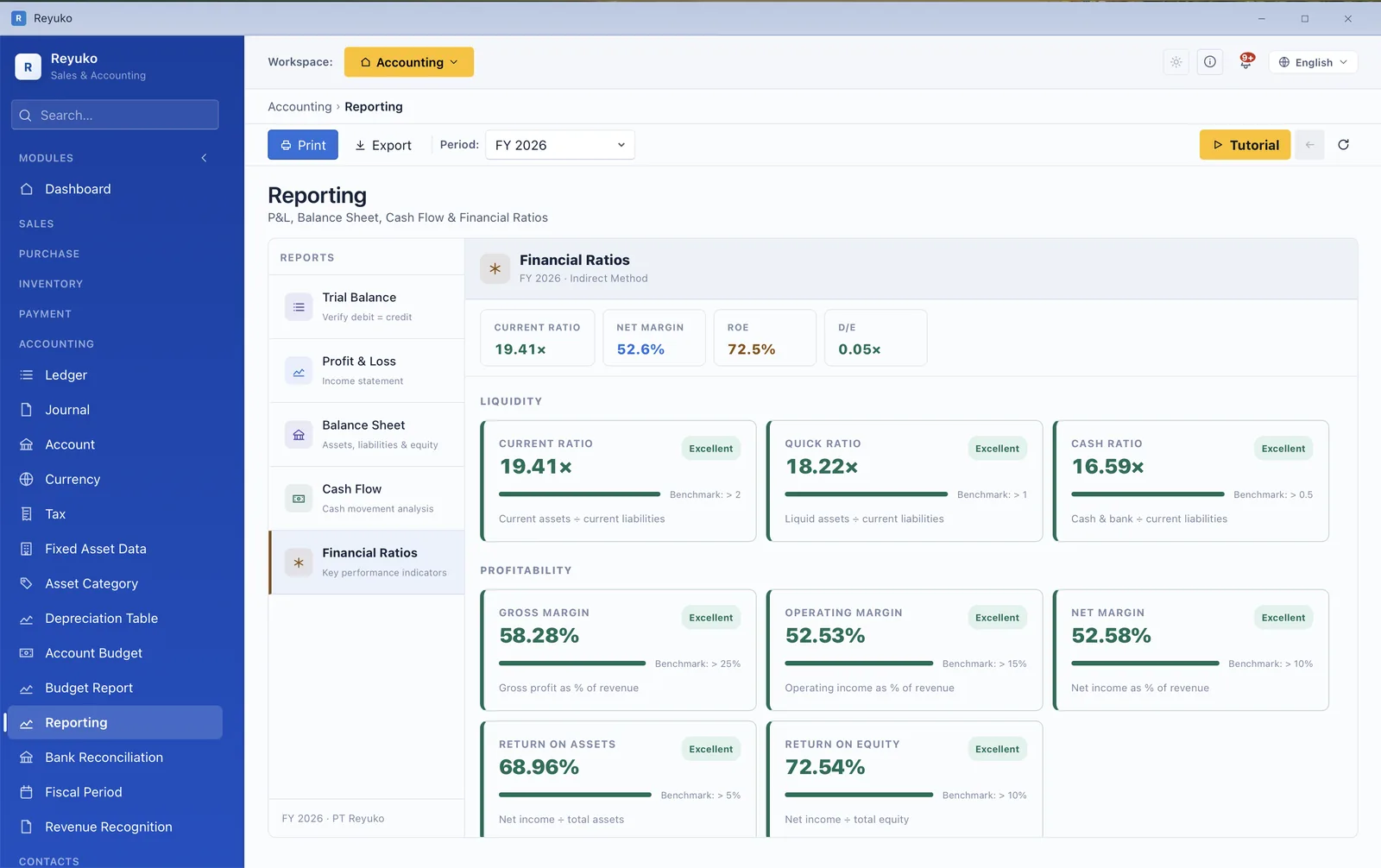
Six financial ratios scored against their benchmarks, revenue against expense for the period, every cash and bank balance, and per-module performance — assembled from the same ledger that produces your statements, so it can never quietly disagree with them.
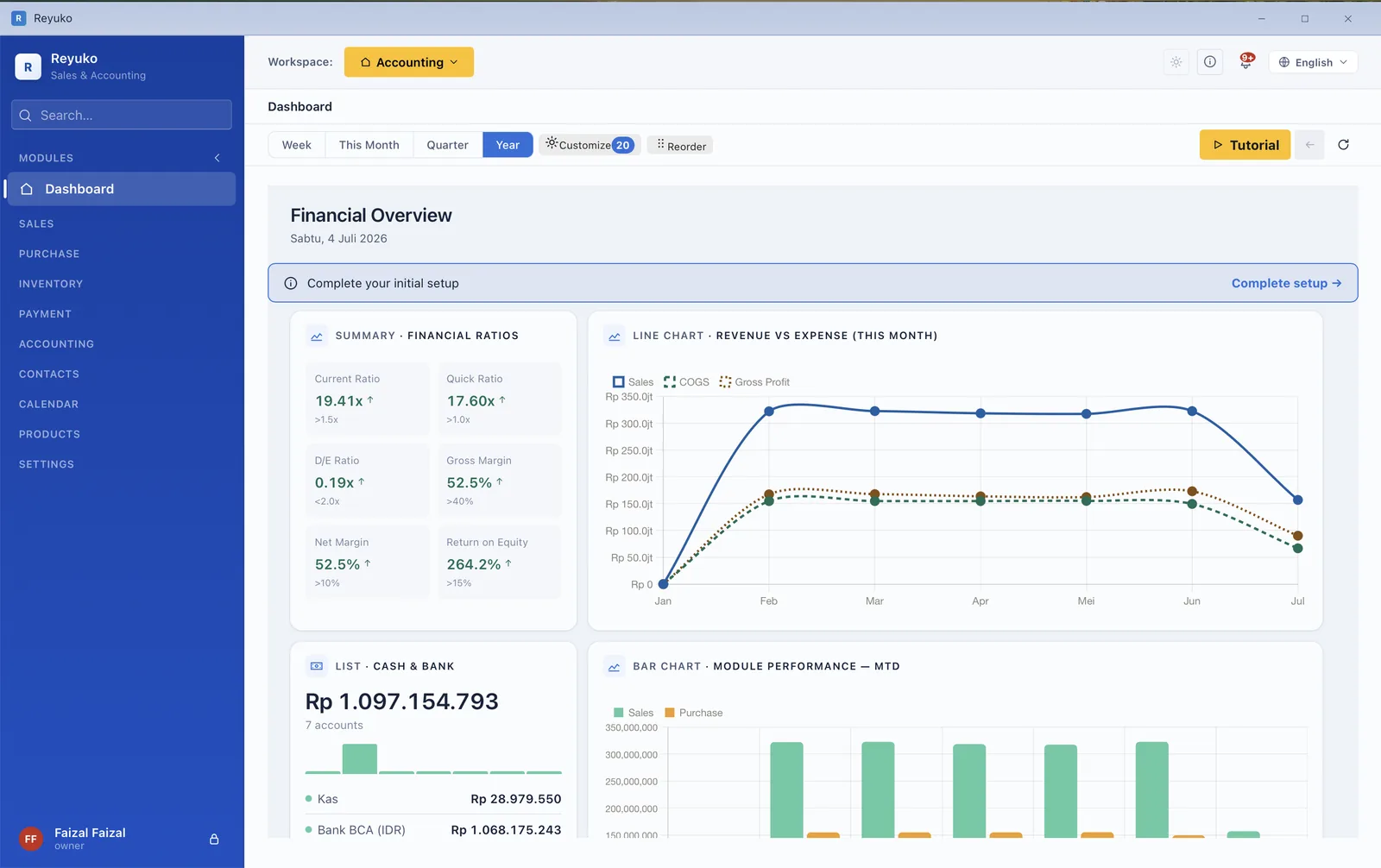
Current ratio, quick ratio, debt-to-equity, gross margin, net margin and return on equity — each with the threshold it should clear. Twenty widgets, reorderable.
You can enter at any point — a walk-in sale starts at the invoice, a tender starts at the quotation. Each document knows what came before it, so nothing is re-keyed and the goods-out and the revenue never post twice.
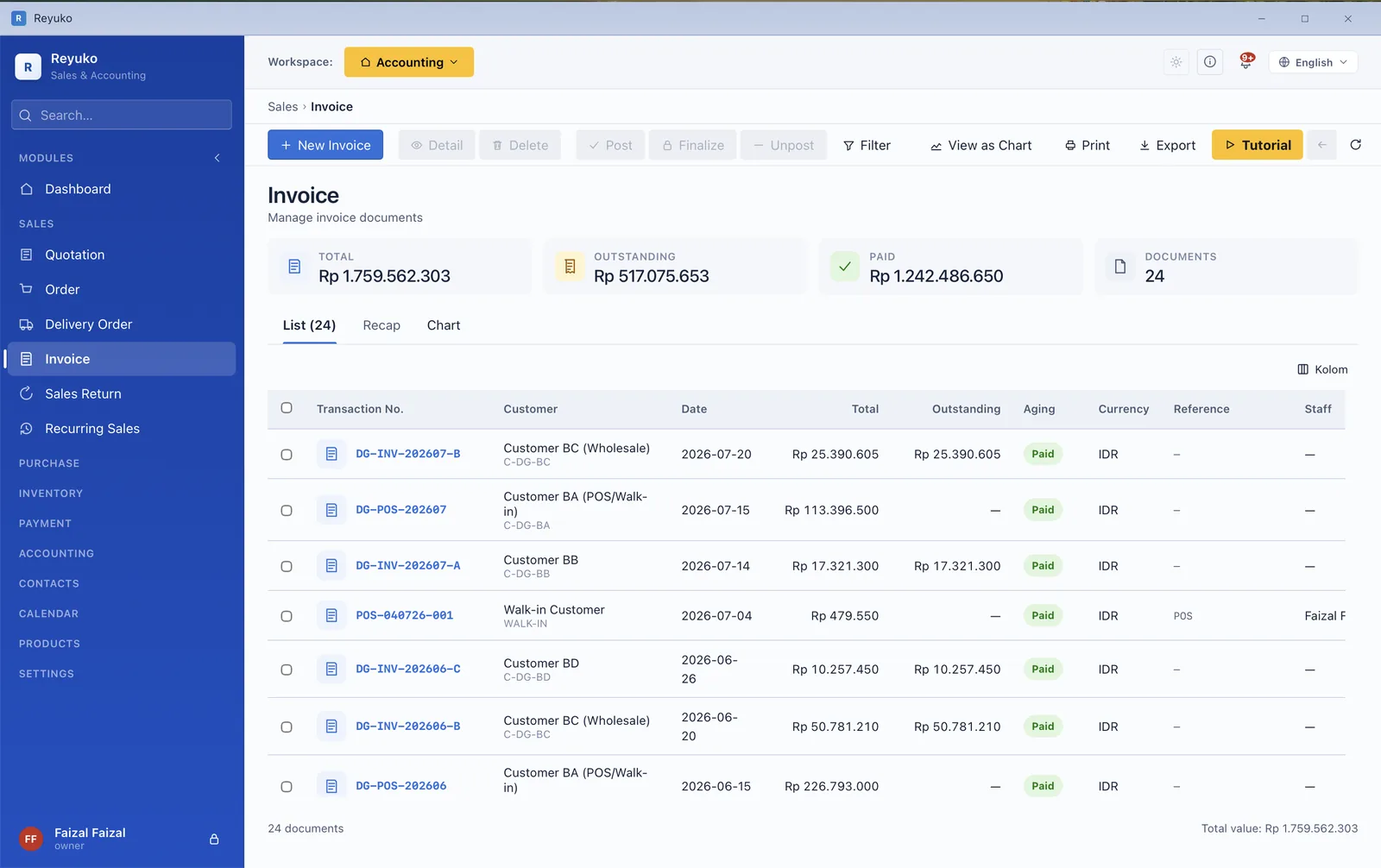
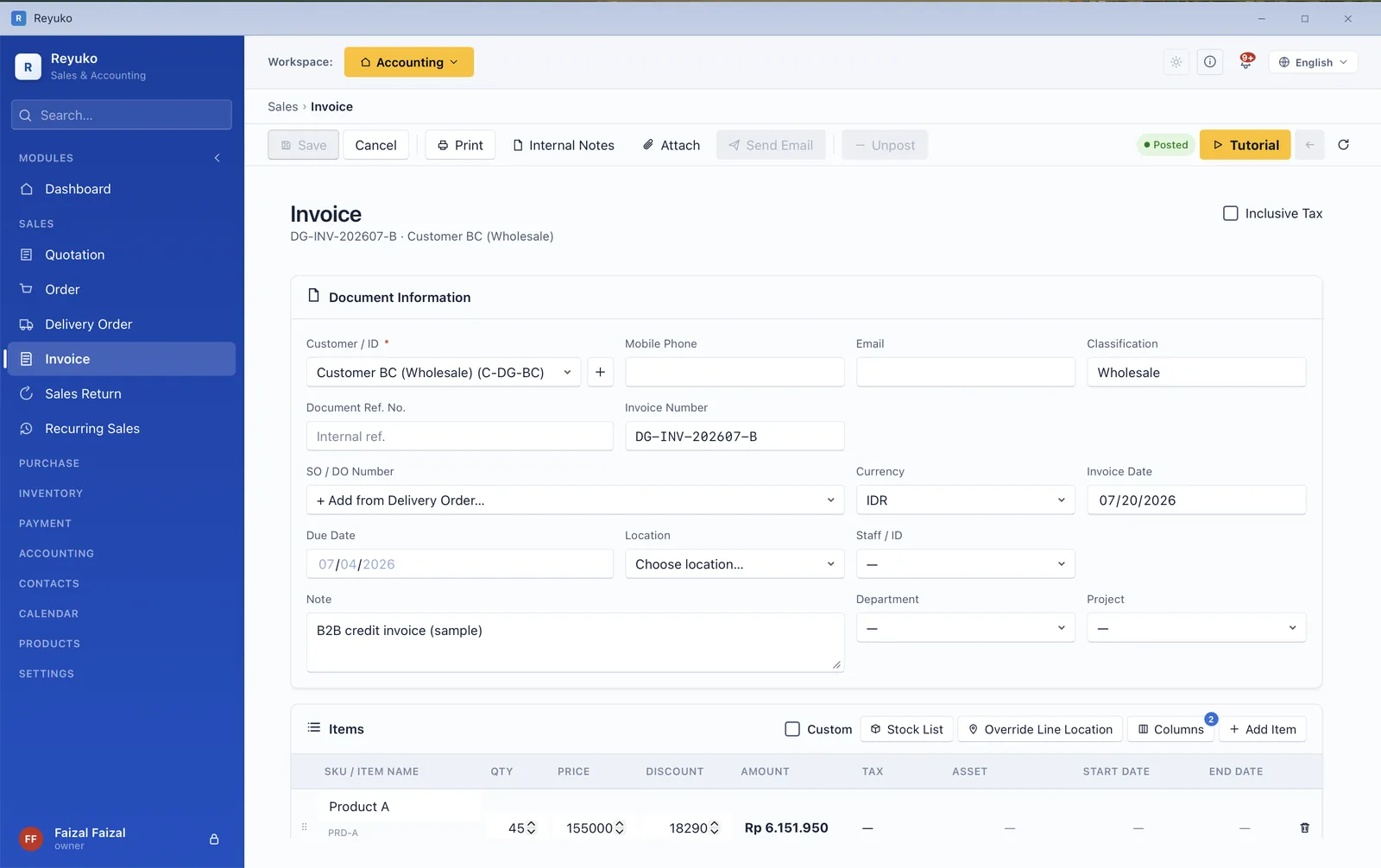
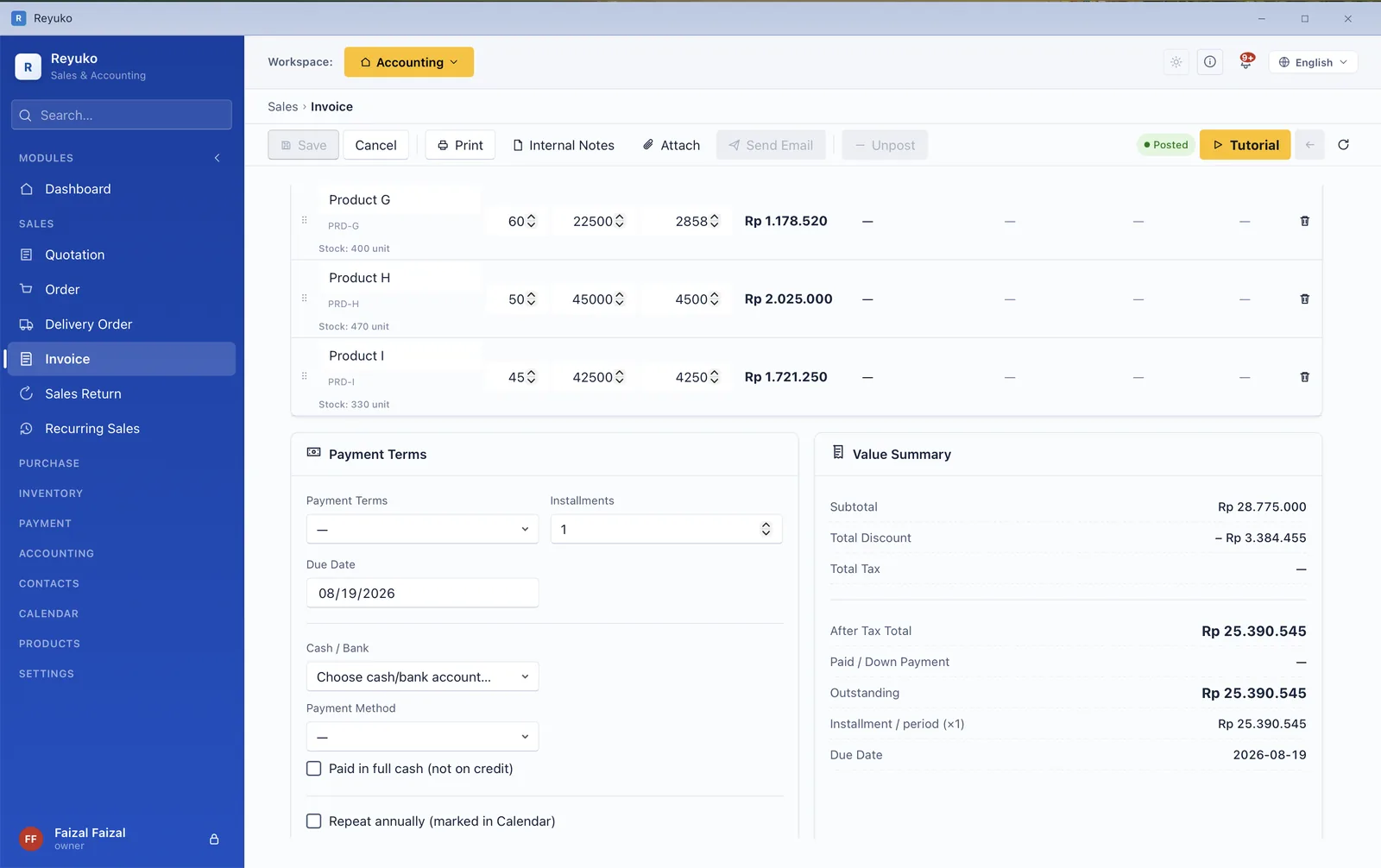
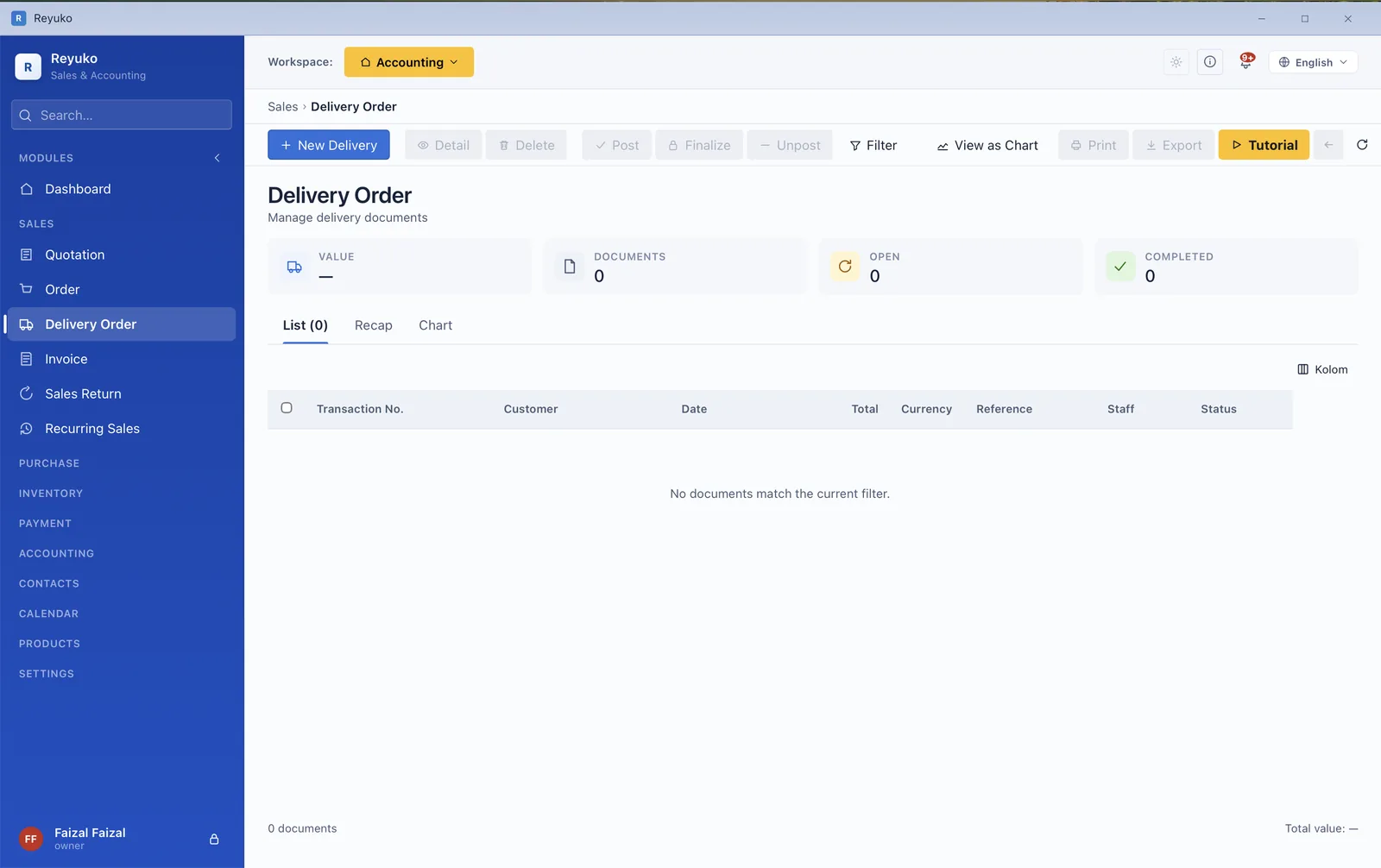
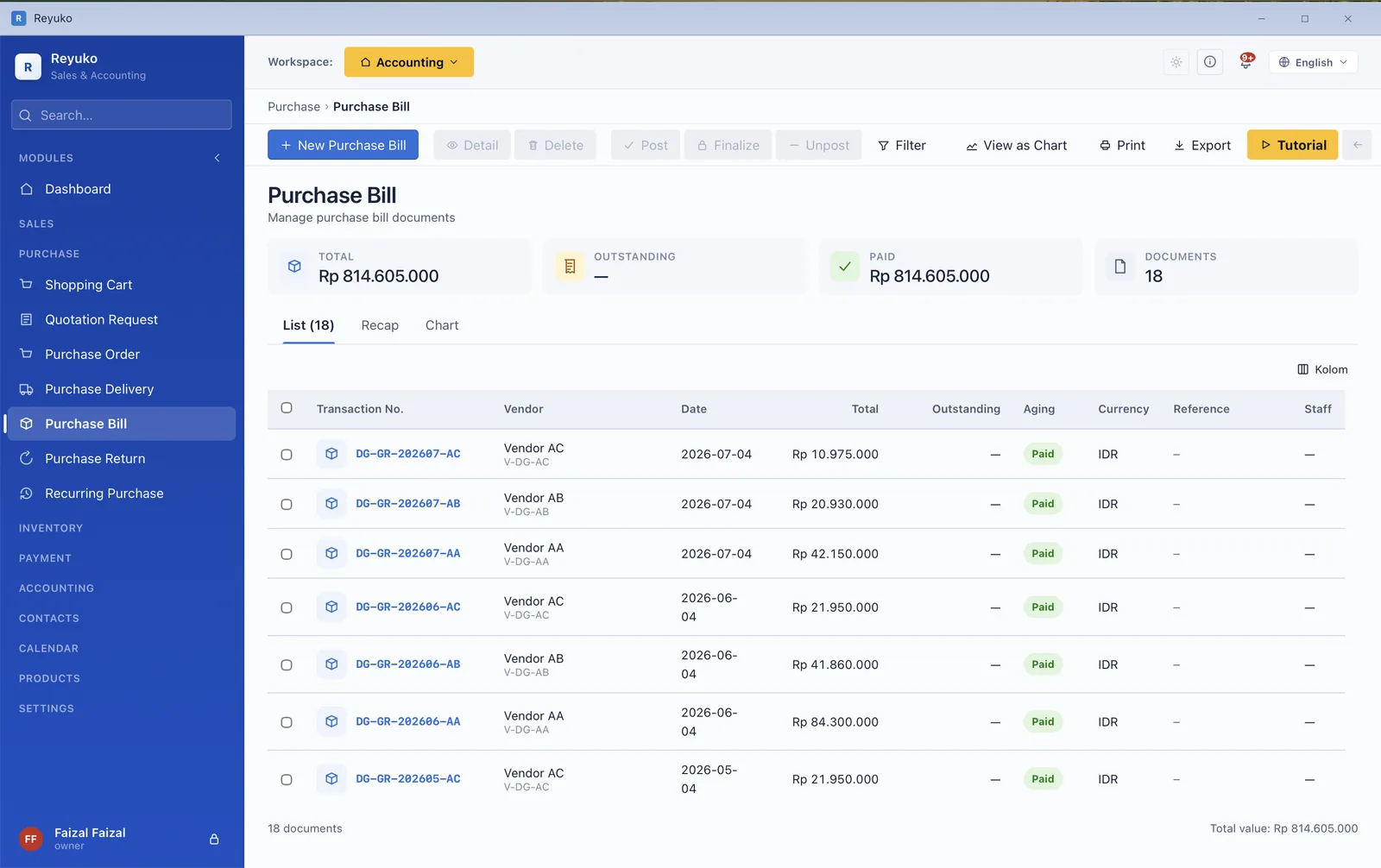
Goods received and the bill for them are separate events, which is exactly why so many books drift. Reyuko keeps them separate and reconciles them — you can see what has arrived but not yet been billed, and what you have been billed for but never received.
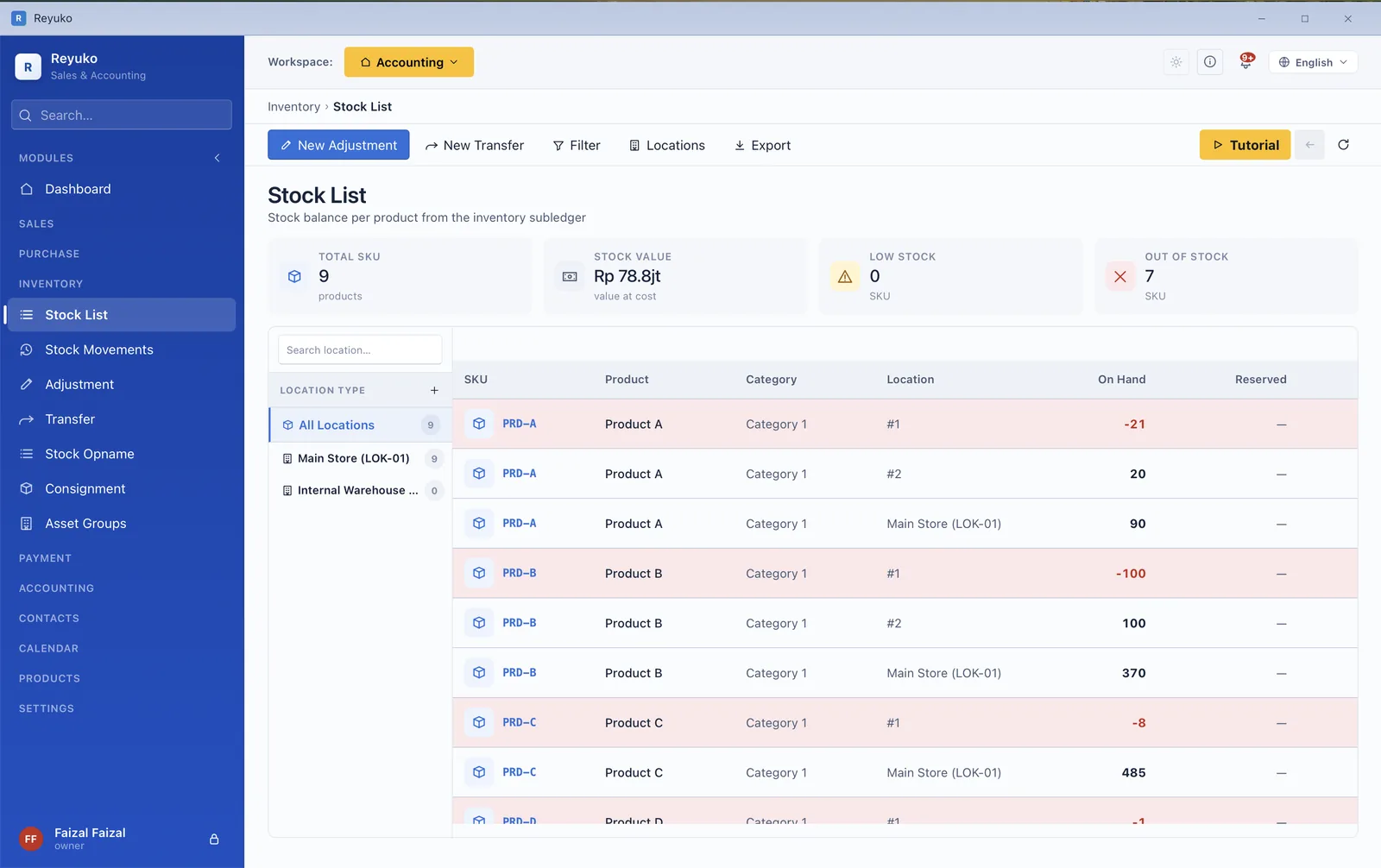
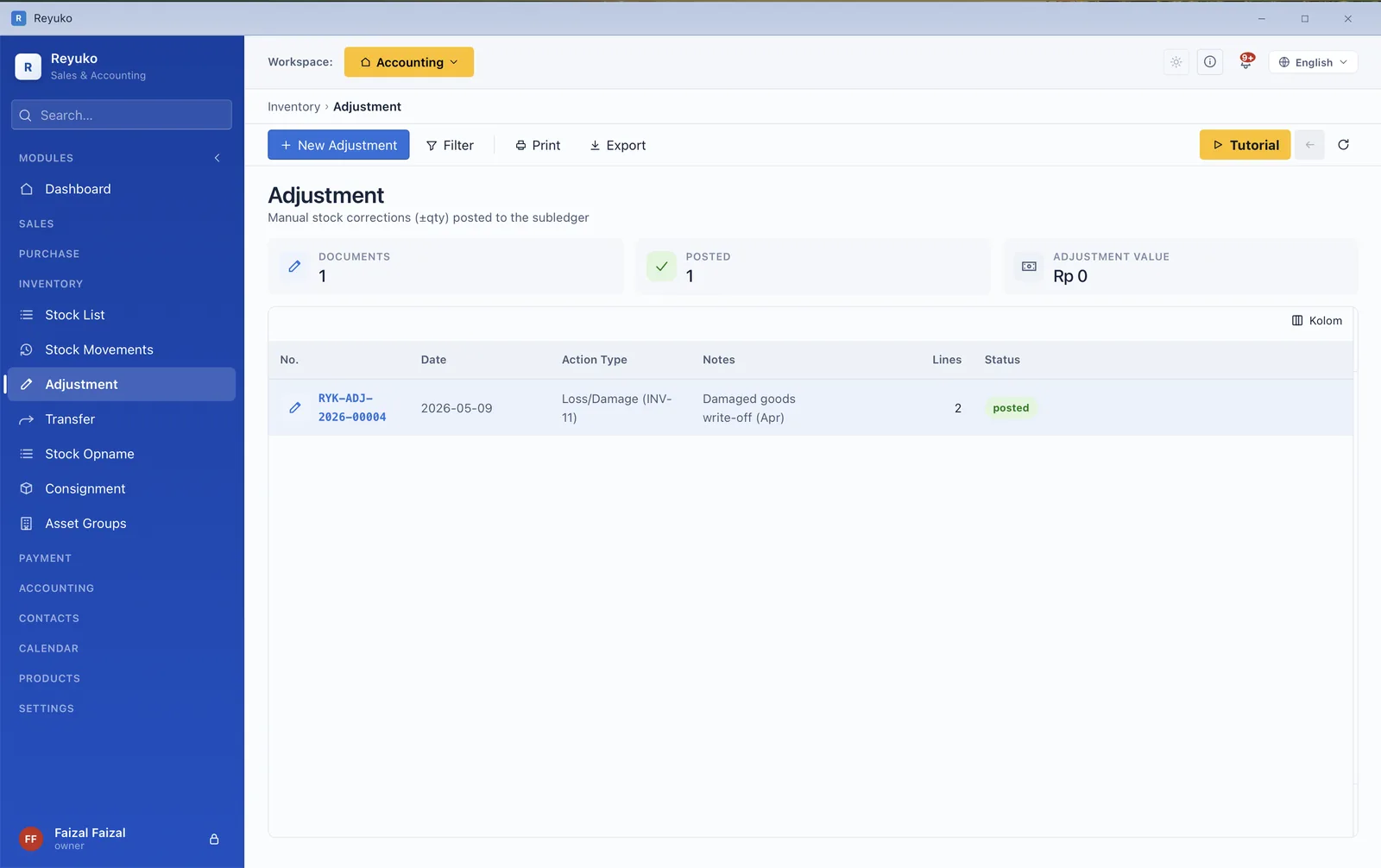
Most free accounting apps treat stock as a number you type in. This one tracks it the way a business that actually holds inventory needs — by batch, by serial number, by expiry date and by location — and values it on the method you choose.
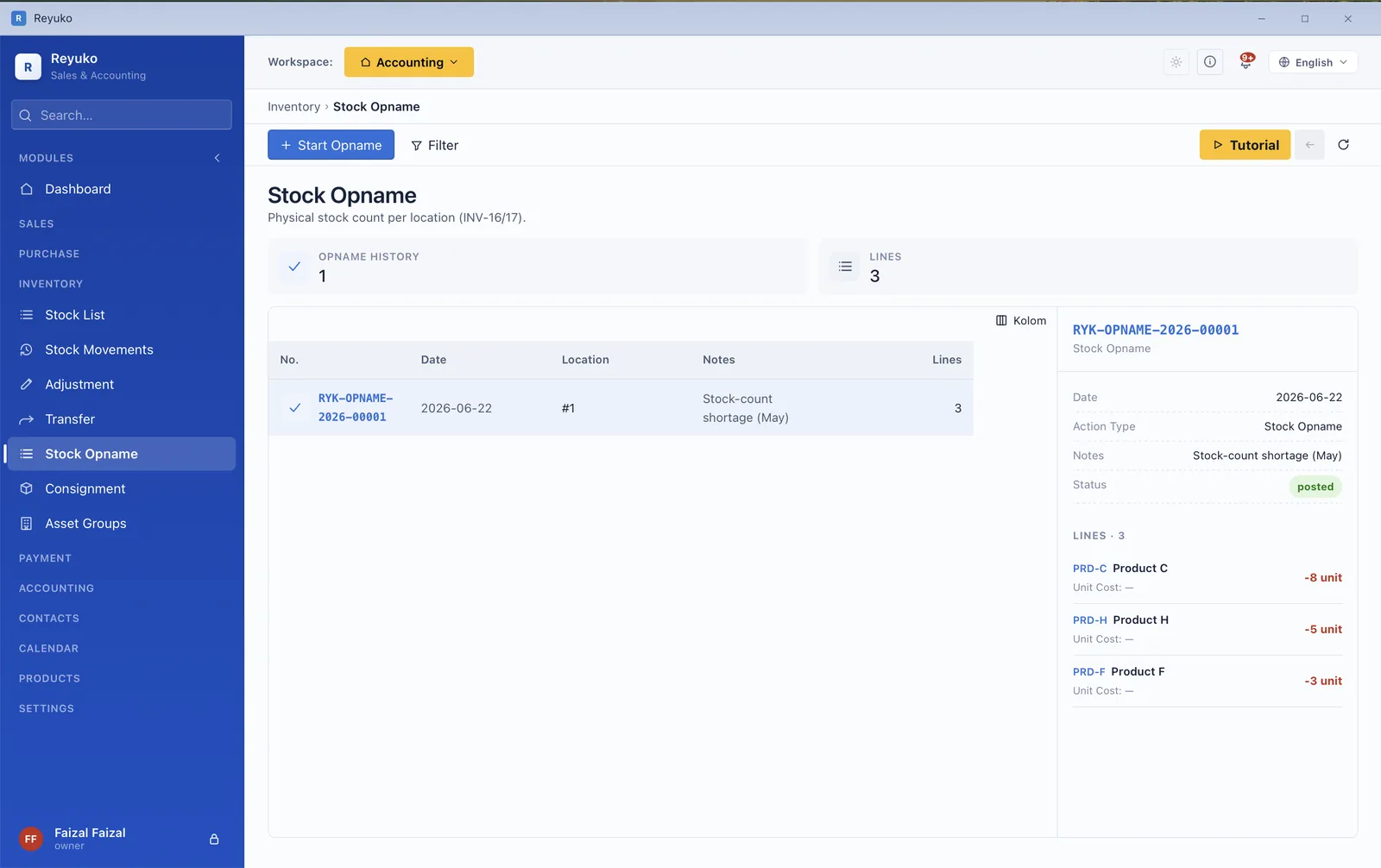
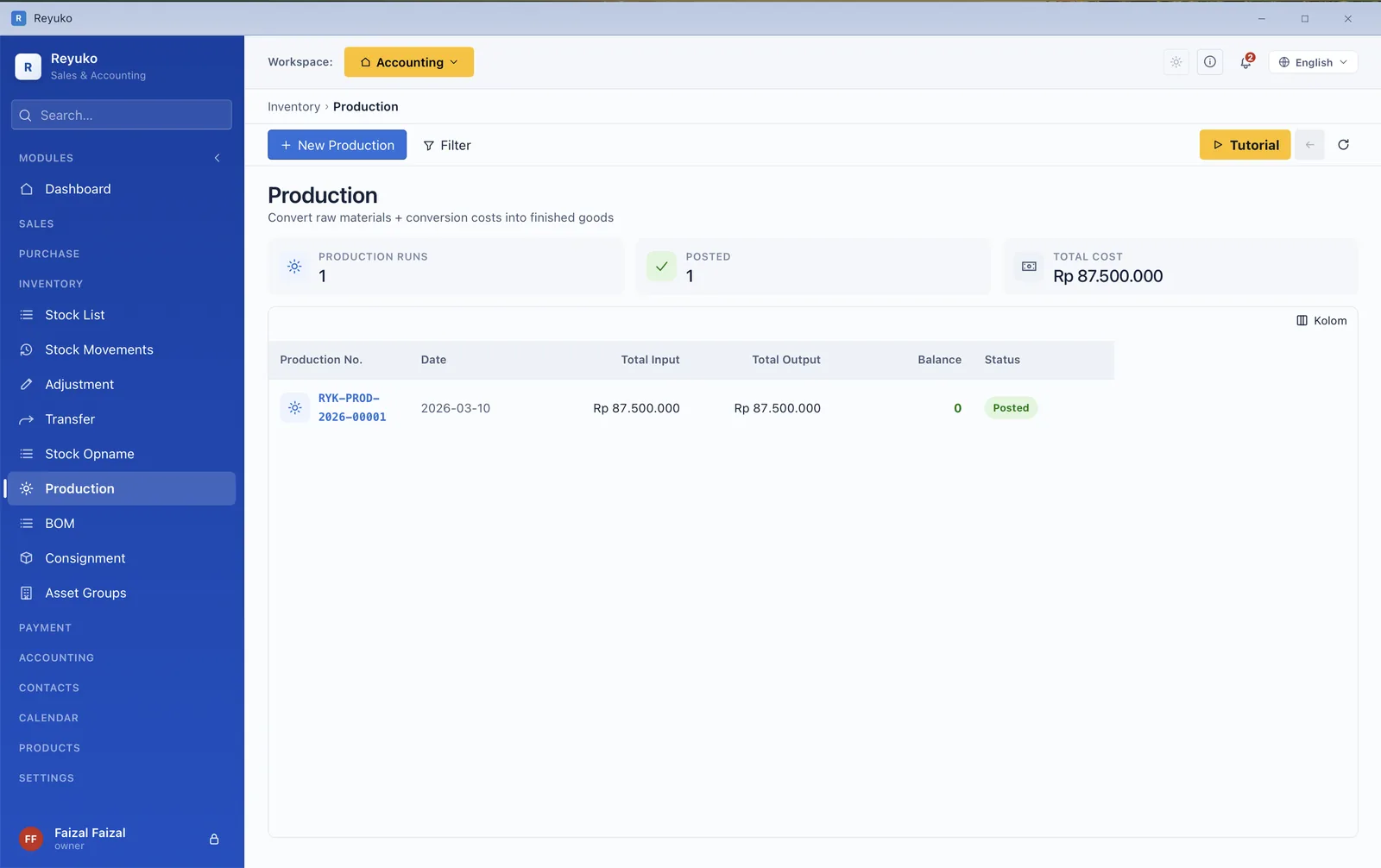
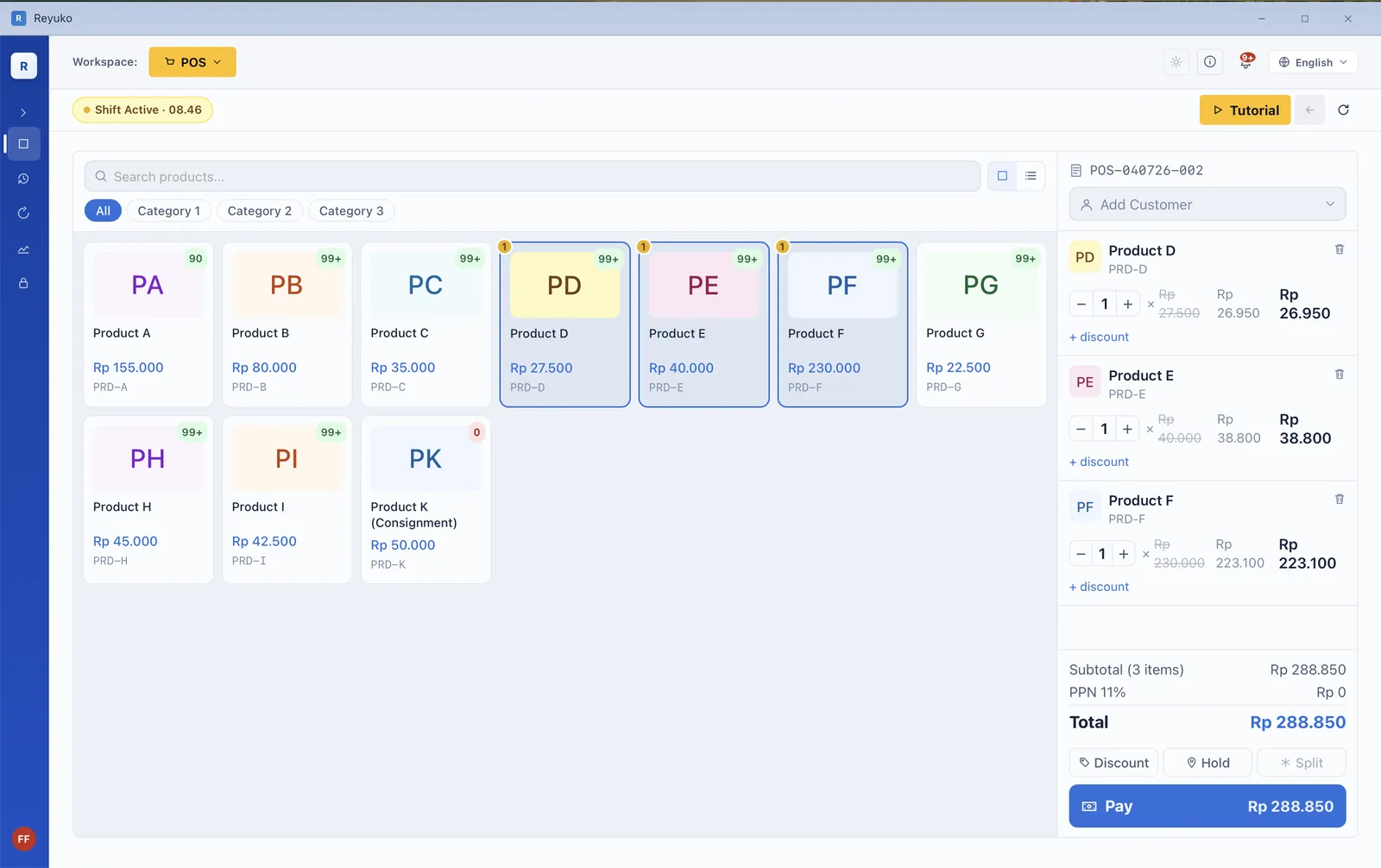
The reason most small businesses reconcile a till by hand every night is that the POS and the books are two different products. Here they are one — every sale posts to cash and inventory as it happens, so end of day is a shift report, not an evening of matching.
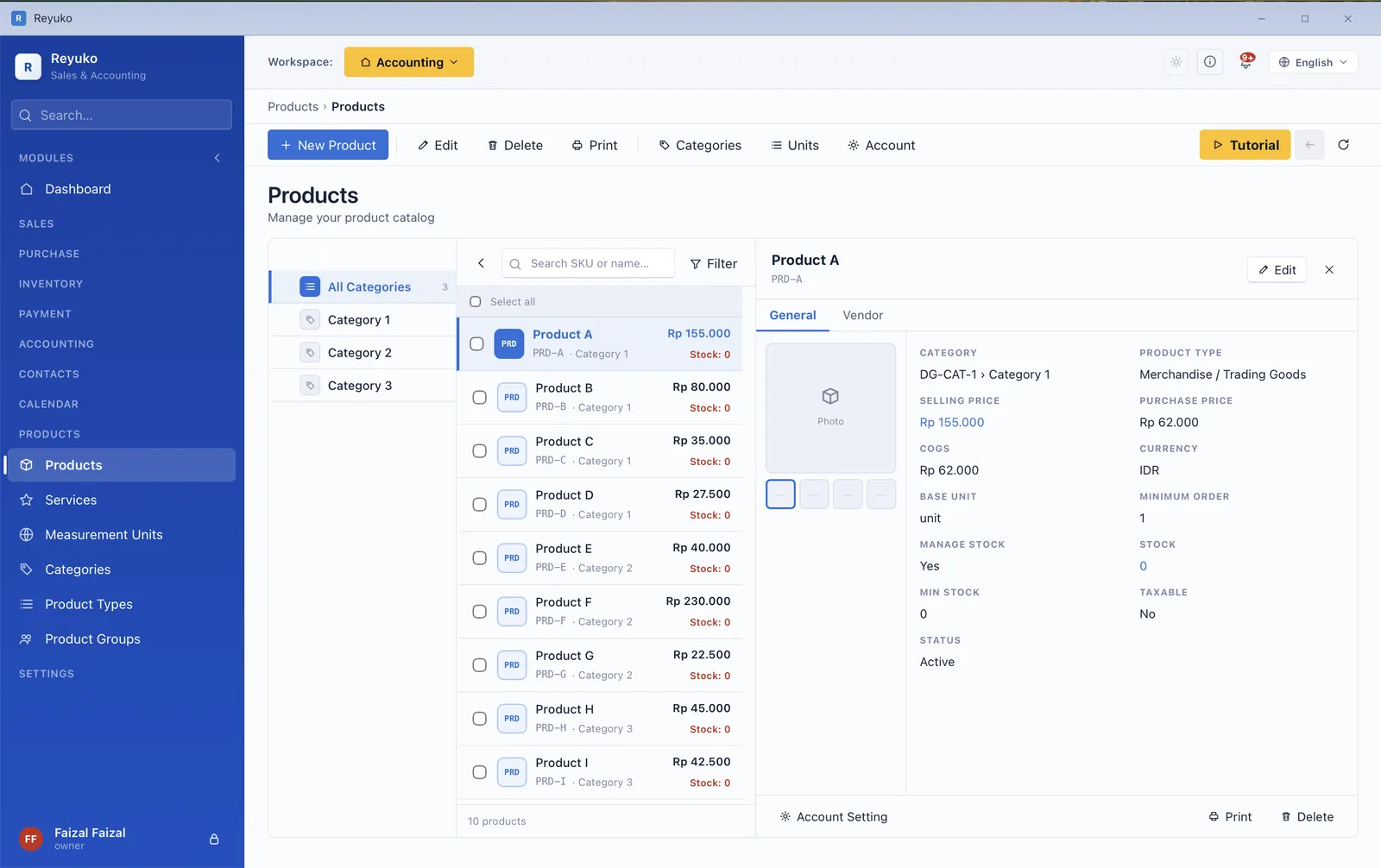
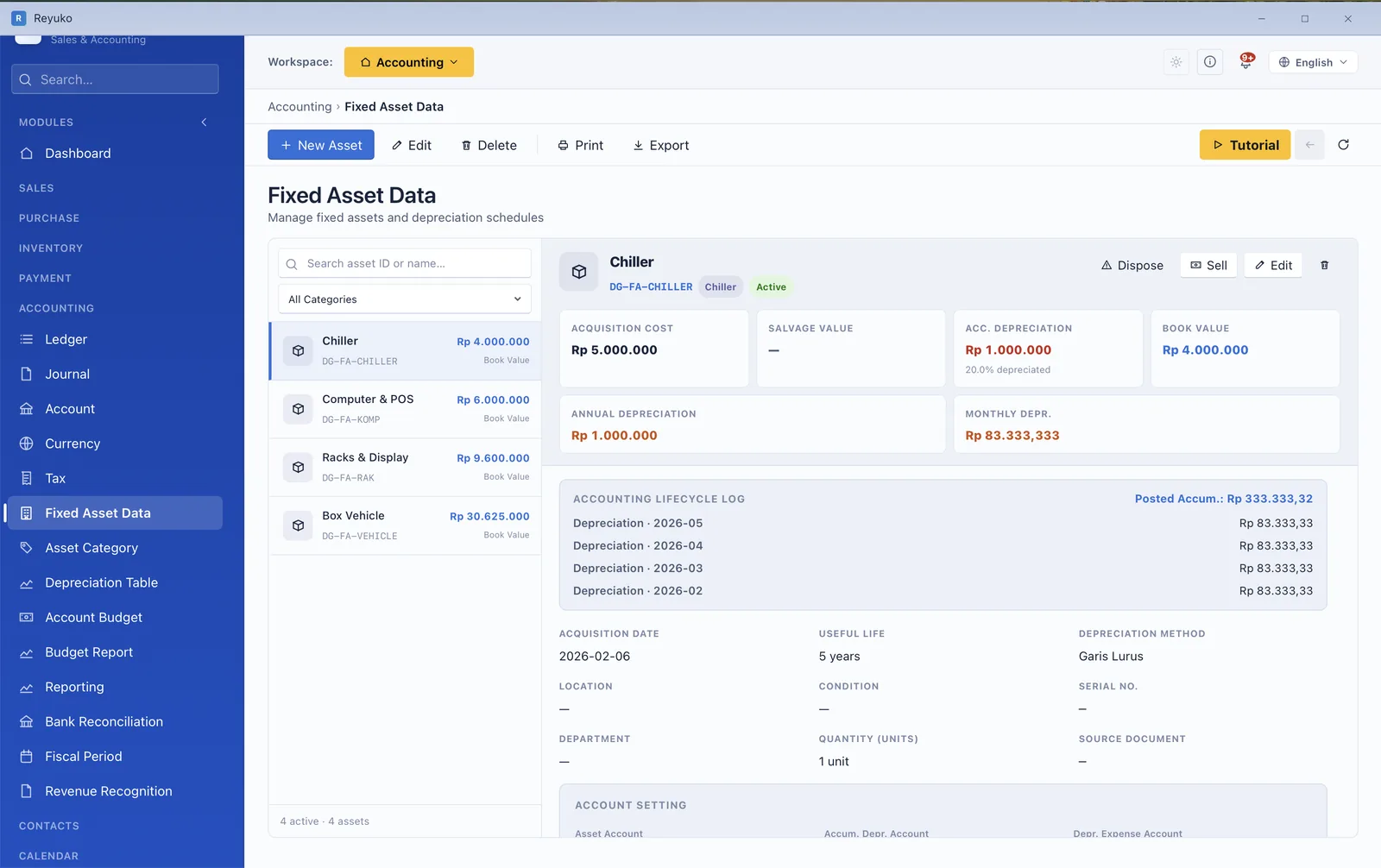
What an item is decides how it posts. A stocked good, a service, a rented asset, a subscription and a bundle all behave differently in the ledger, and Reyuko models that difference instead of flattening it — the type you pick drives the journal that gets written.
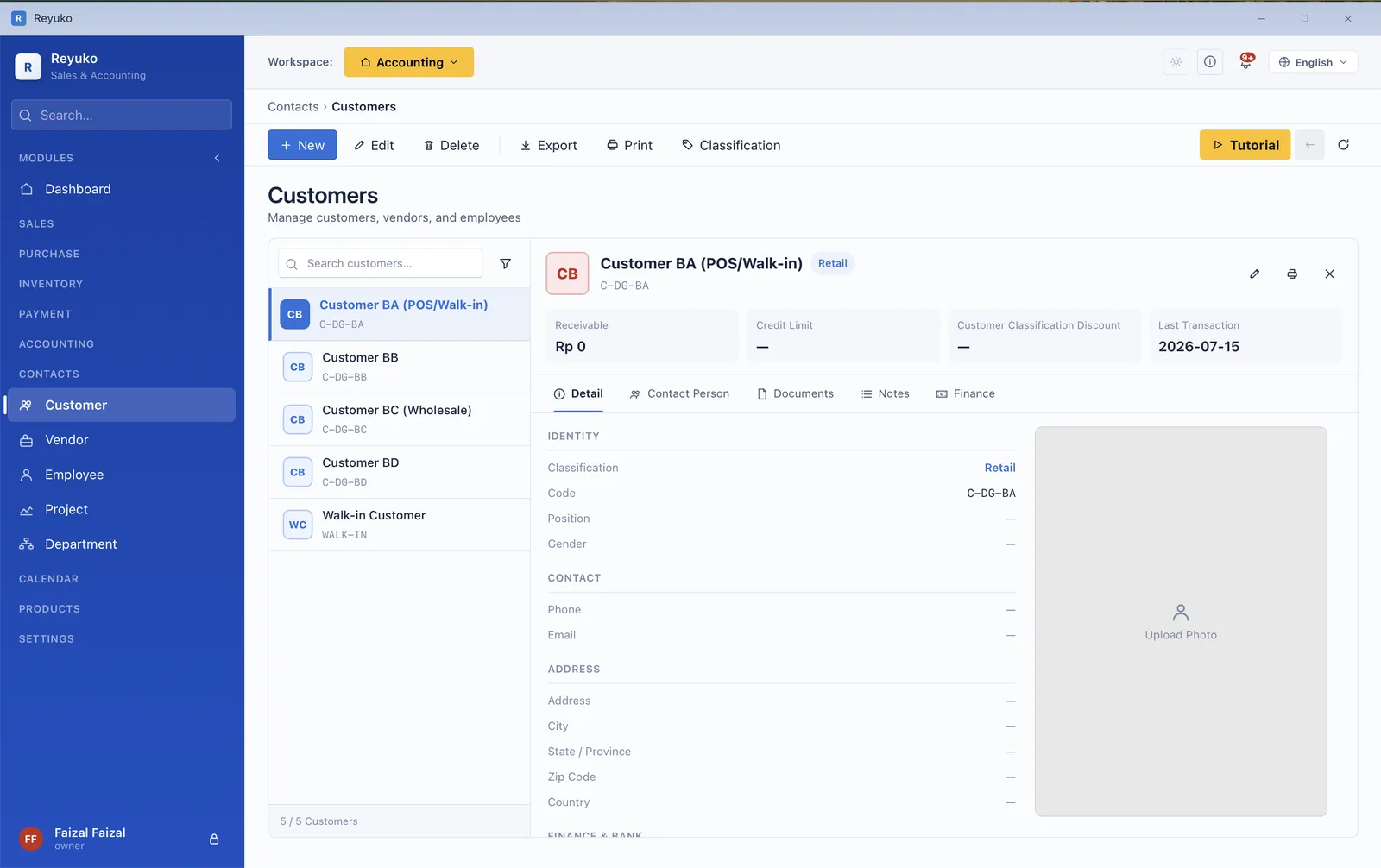
A contact is often a customer and a vendor and an employee at once. Rather than three disconnected records, Reyuko keeps one and lets classifications decide which behaviours switch on — receivable terms, vendor withholding, payroll details.
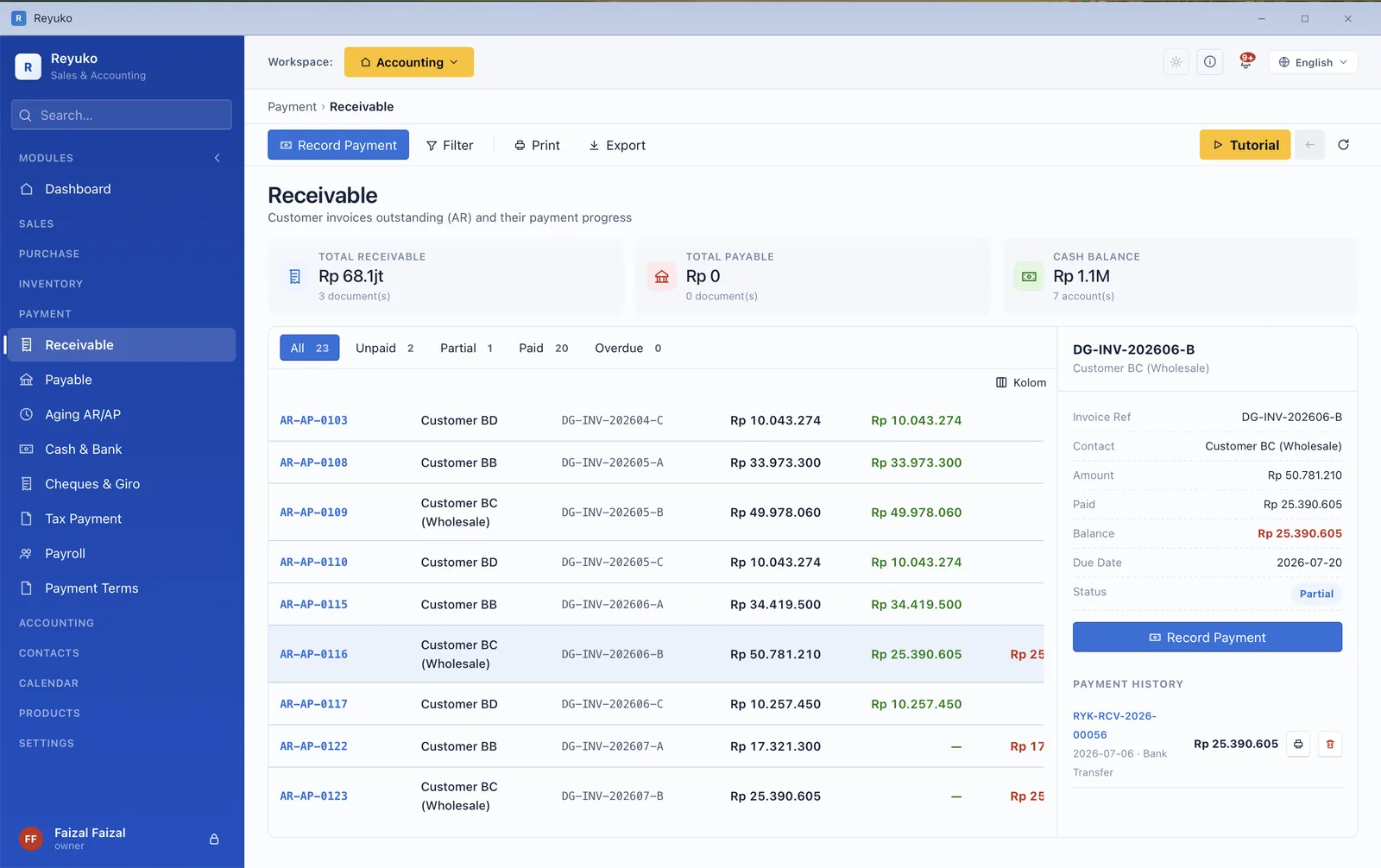
Aging is where a business finds out whether its profit is real. Reyuko ages both sides, tracks part-payments against the specific invoice, and handles the instruments small businesses actually use — including the ones most software pretends do not exist.
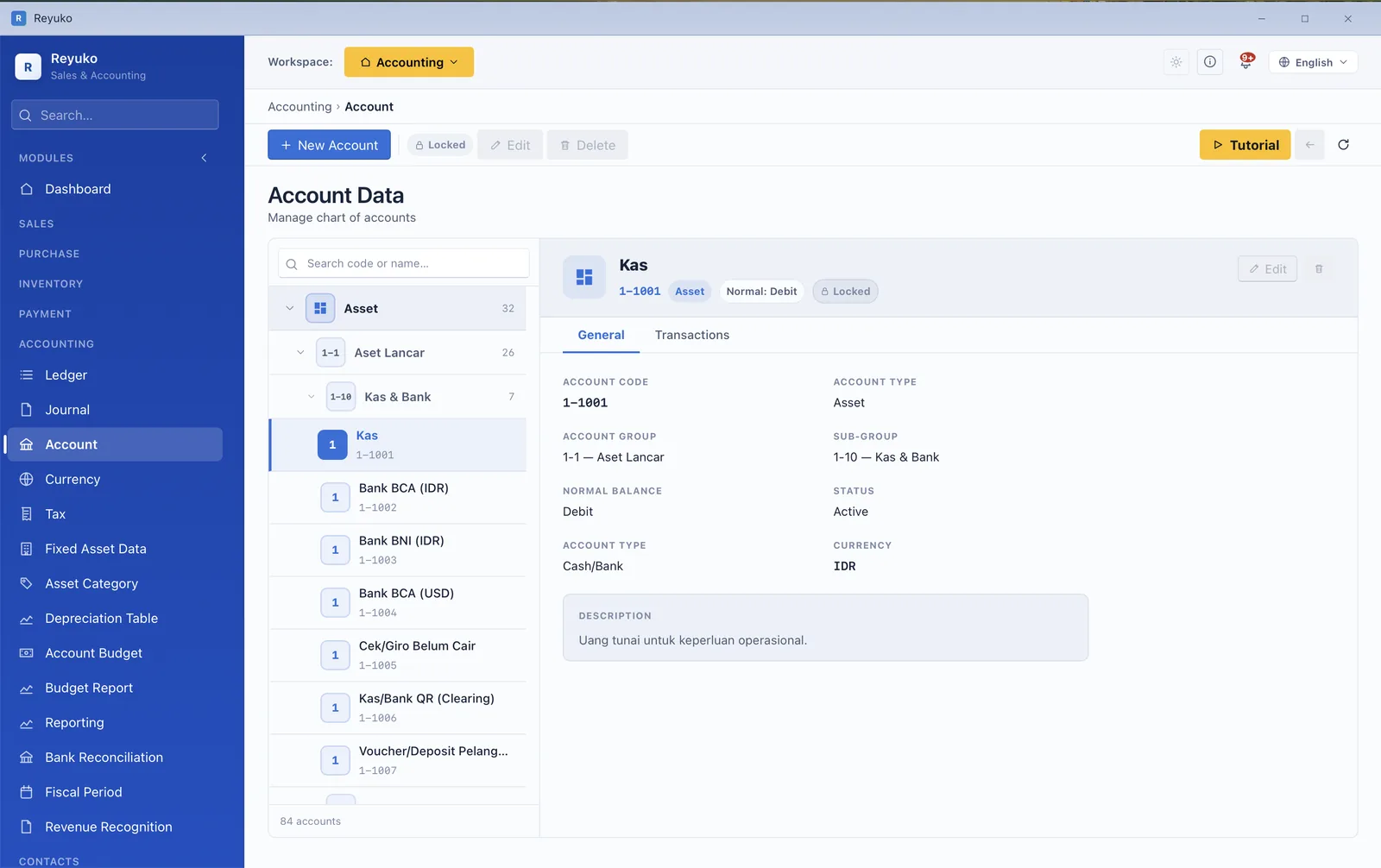
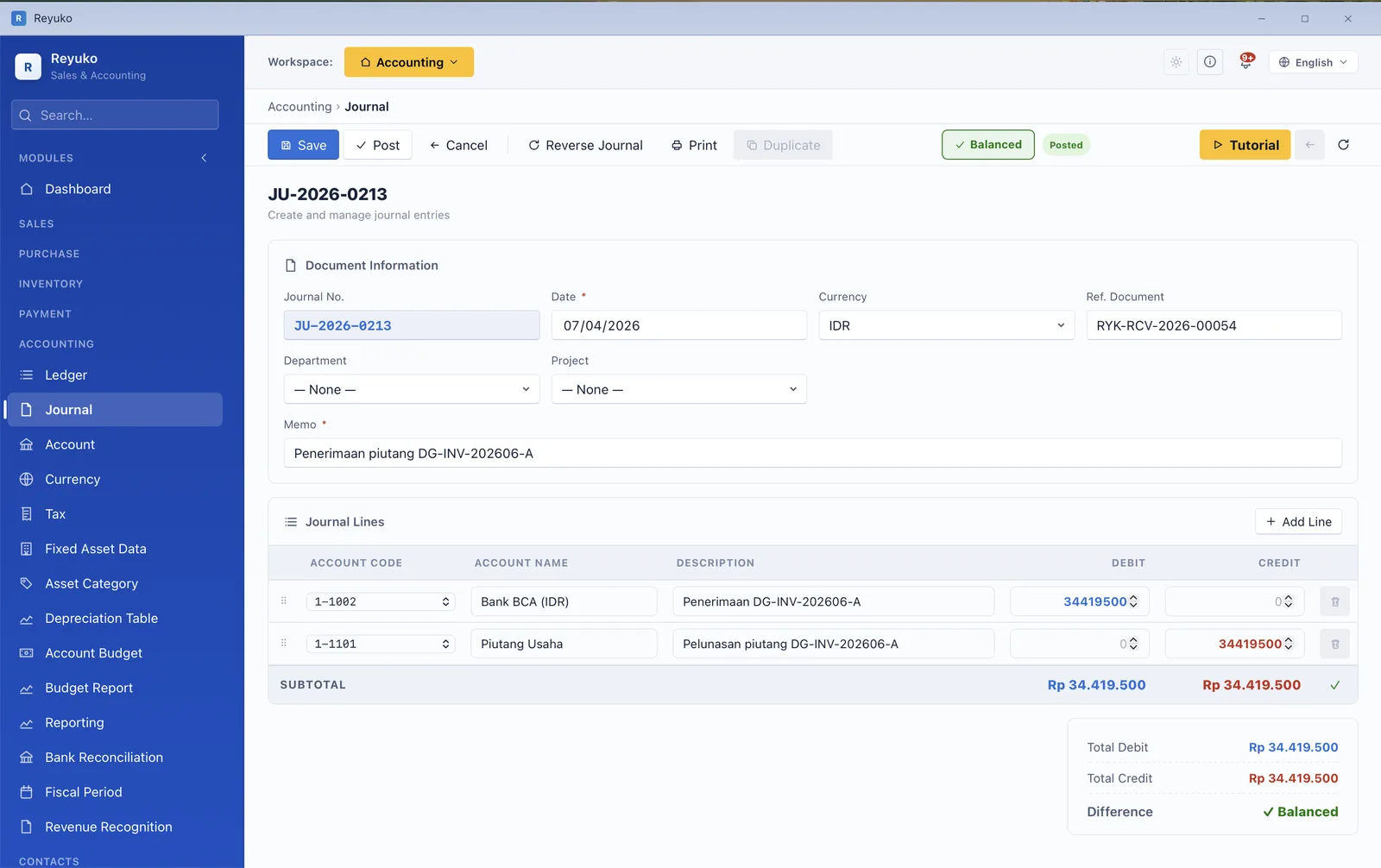
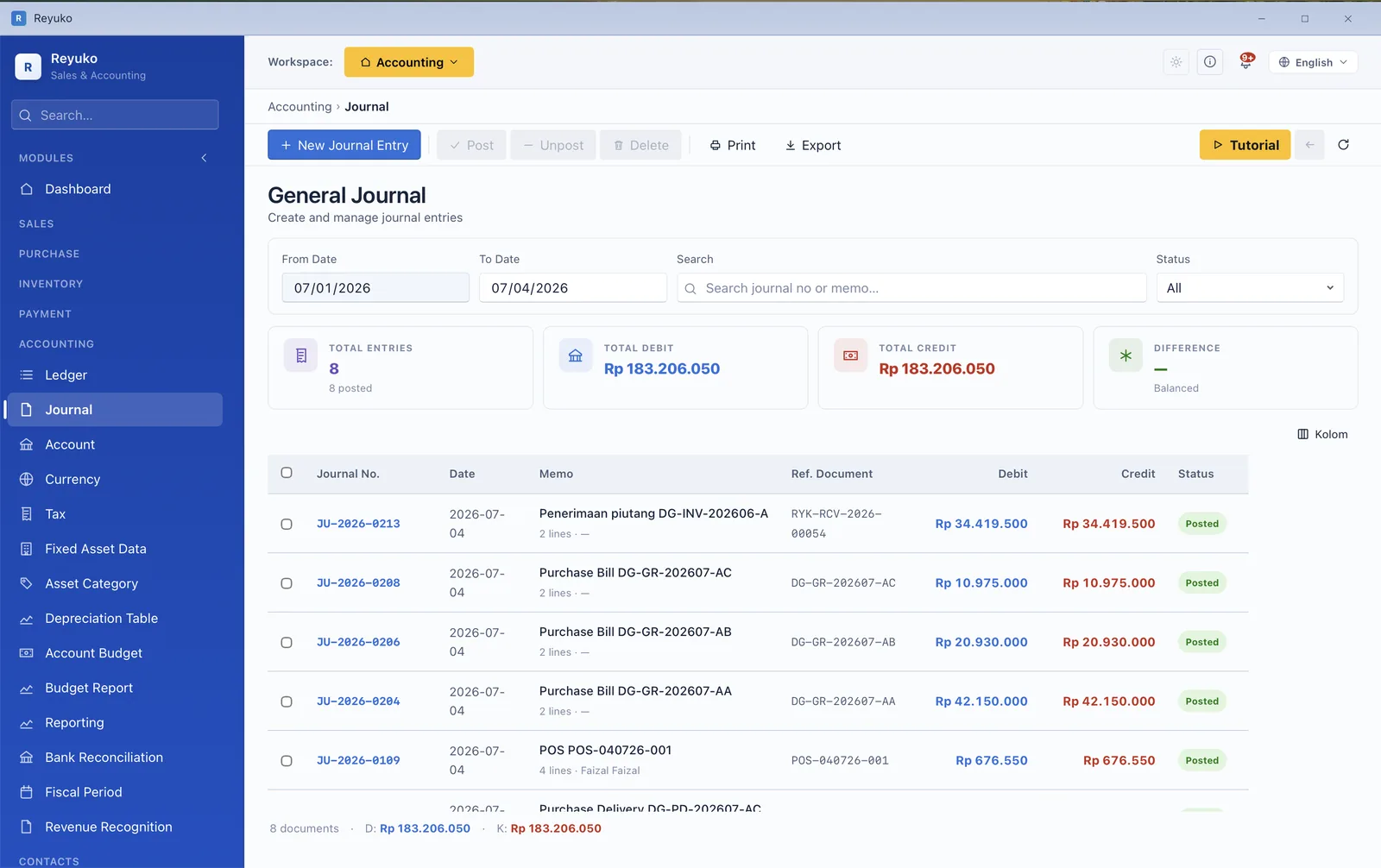
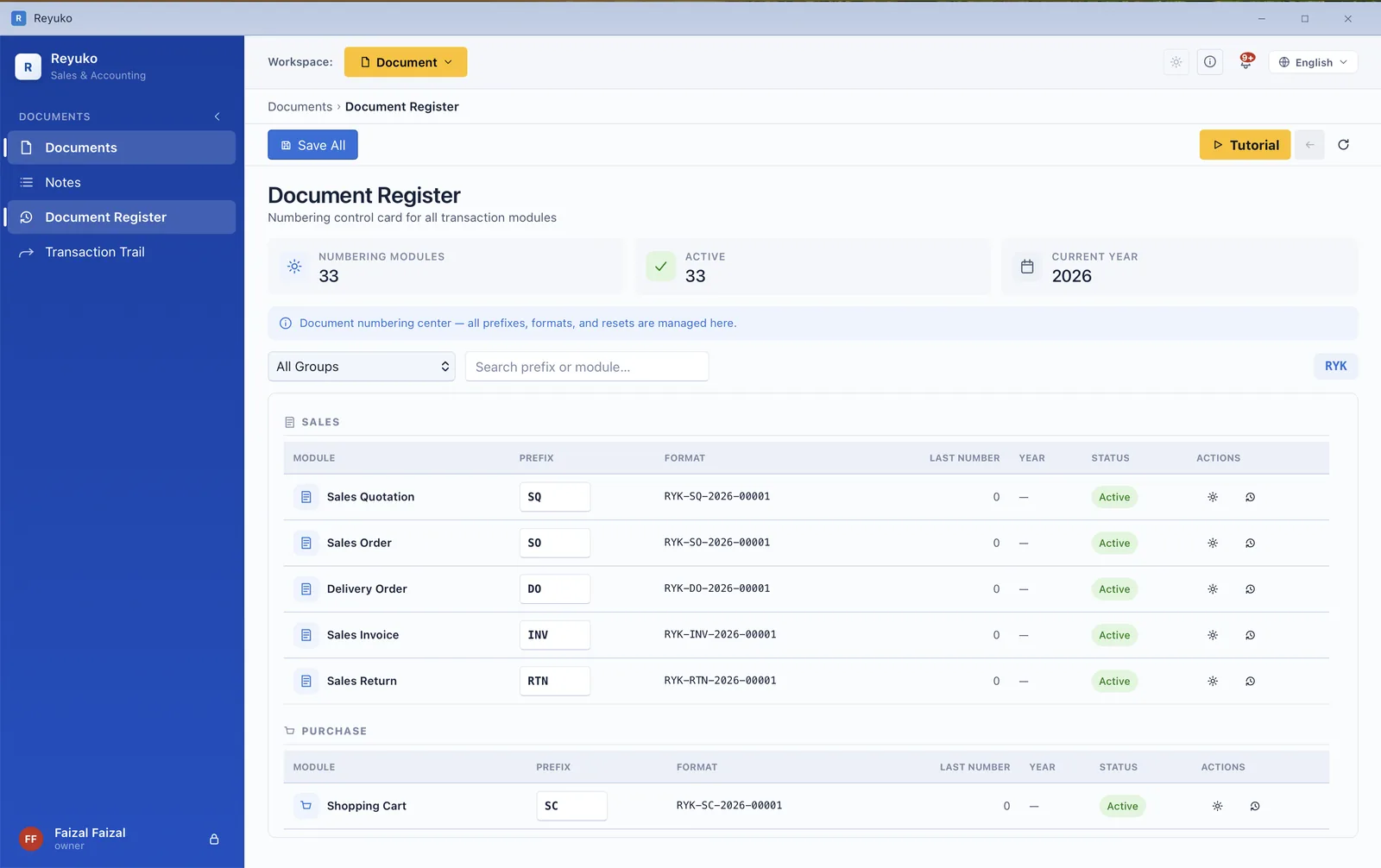
Everything above eventually lands here. The chart of accounts is four levels deep, every document writes a balanced journal, and a closed period refuses to accept a posting — which is the difference between books you can file from and a spreadsheet with better fonts.
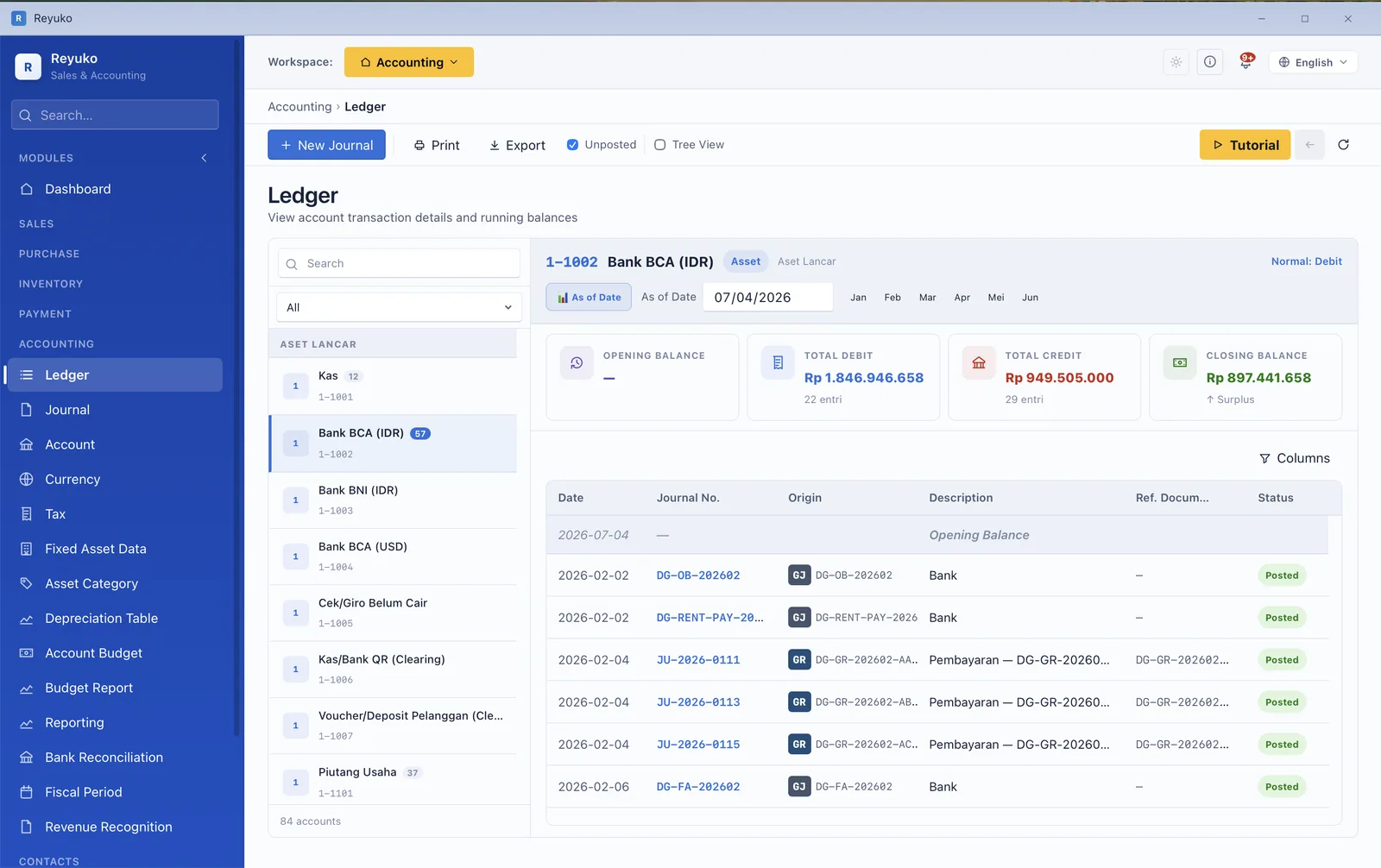
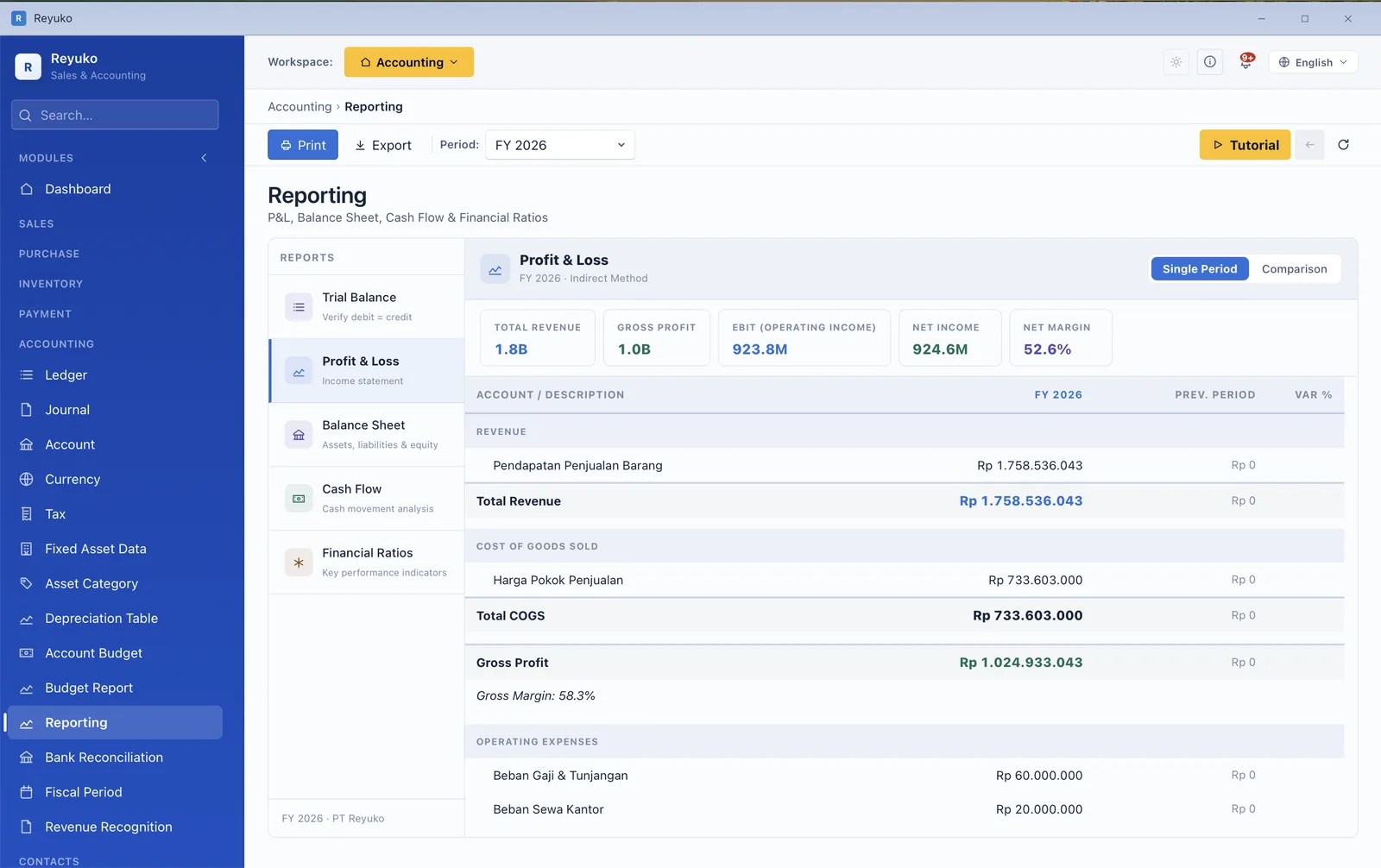
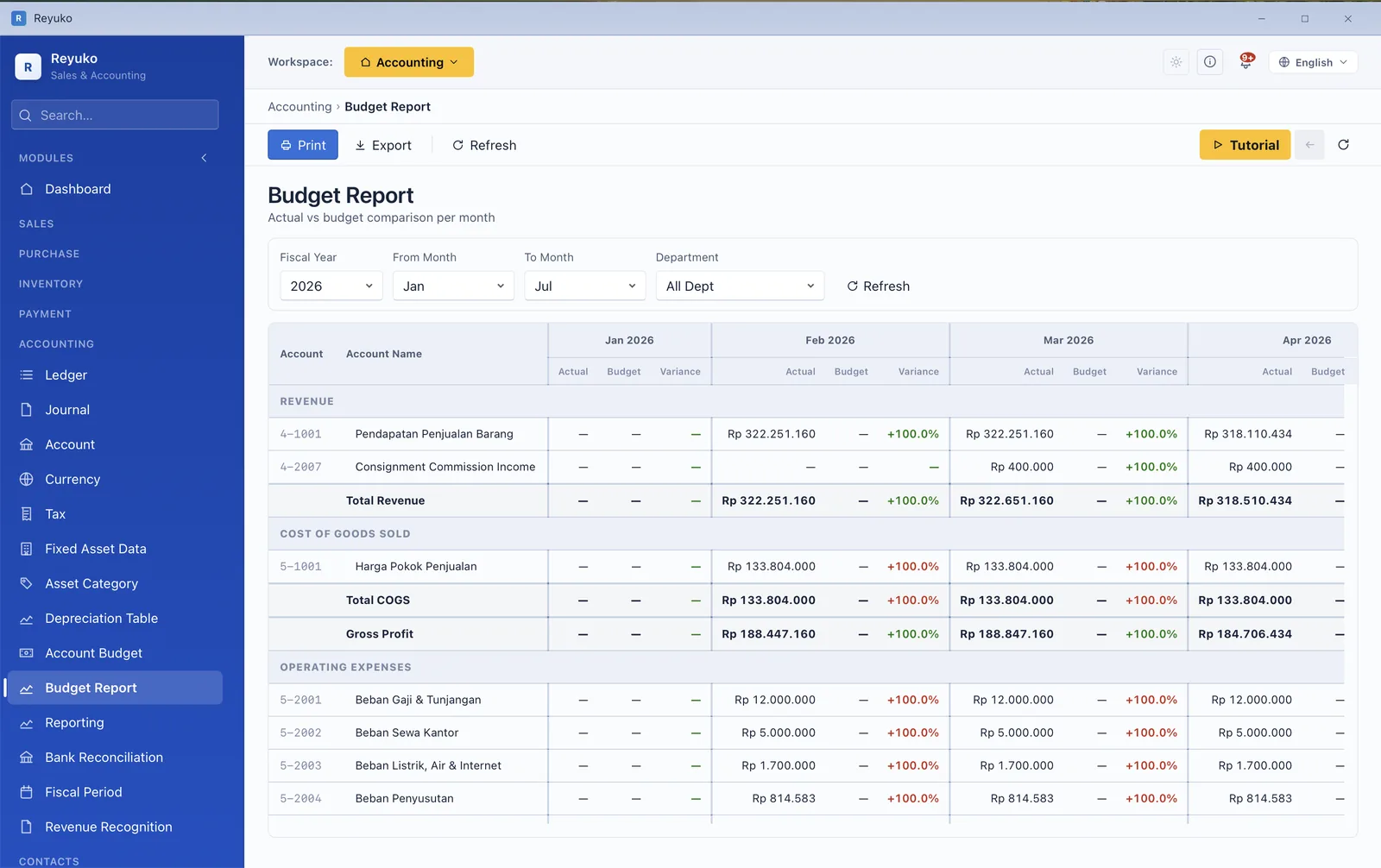
Reports are generated from the ledger rather than re-keyed into it, so they agree with the books by construction. Every report prints and exports, and the manual is candid about what a ratio can and cannot tell you — which is more than most software bothers with.
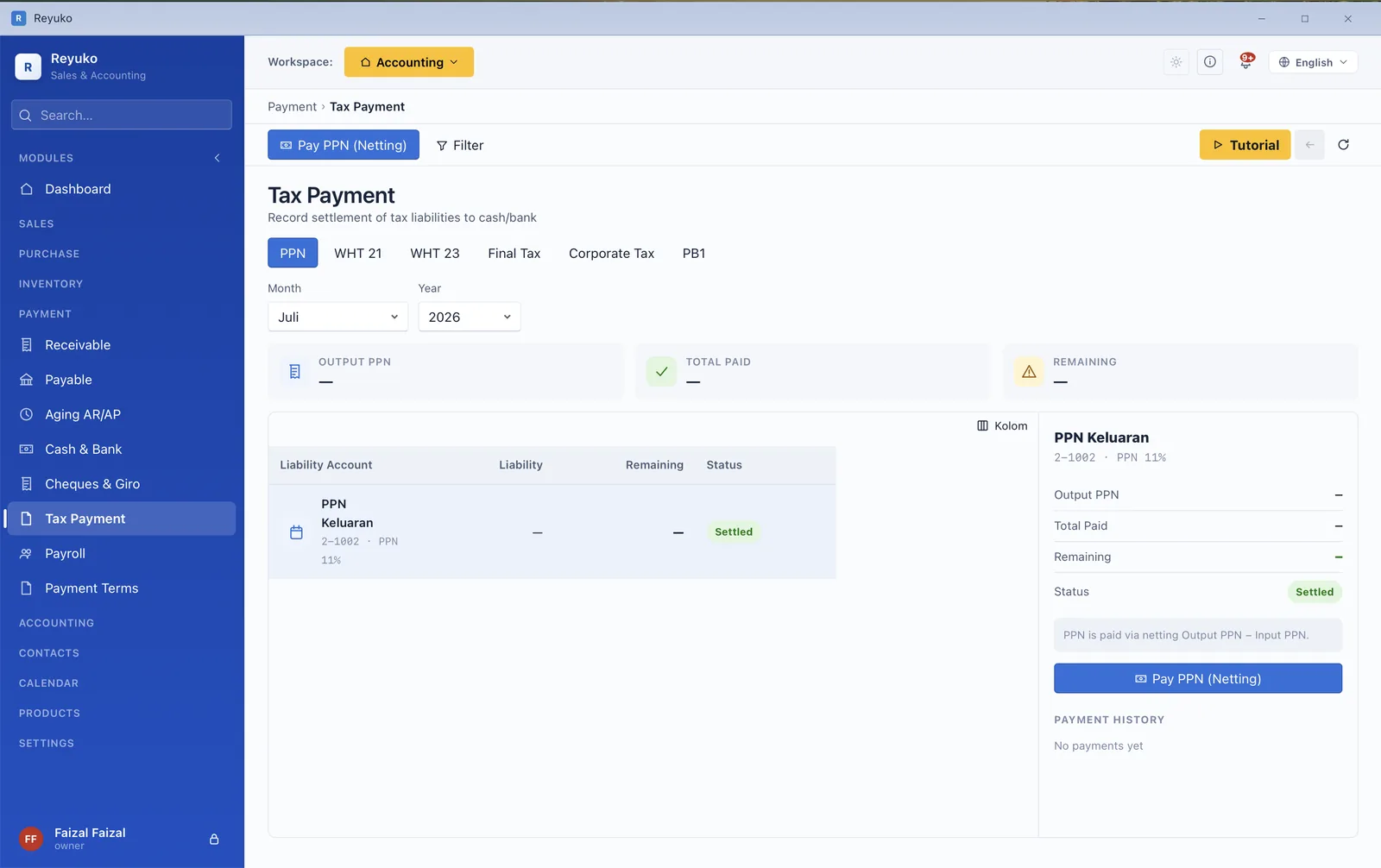
VAT and withholding are not a spreadsheet you rebuild each month — they come out of the transactions that already happened. Reyuko carries a locale per country, so the rates, thresholds and account structure are your jurisdiction's, not a generic template.
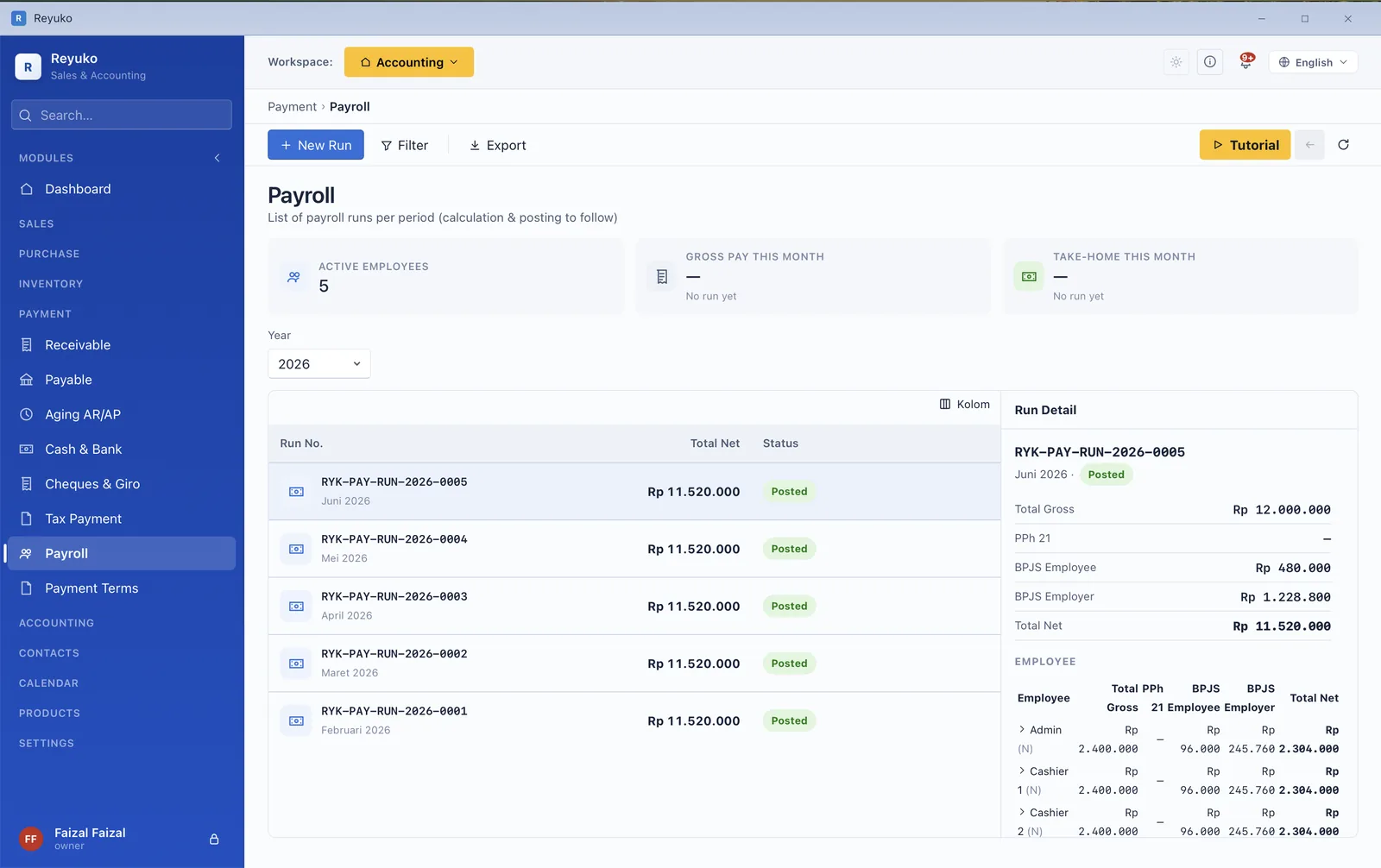
This is the sharpest line between Reyuko and its nearest competitor. A generic payroll engine asks you for the numbers; a statutory one knows them — the bands, the ceilings, the employer share — and writes the journal and the remittance behind it.
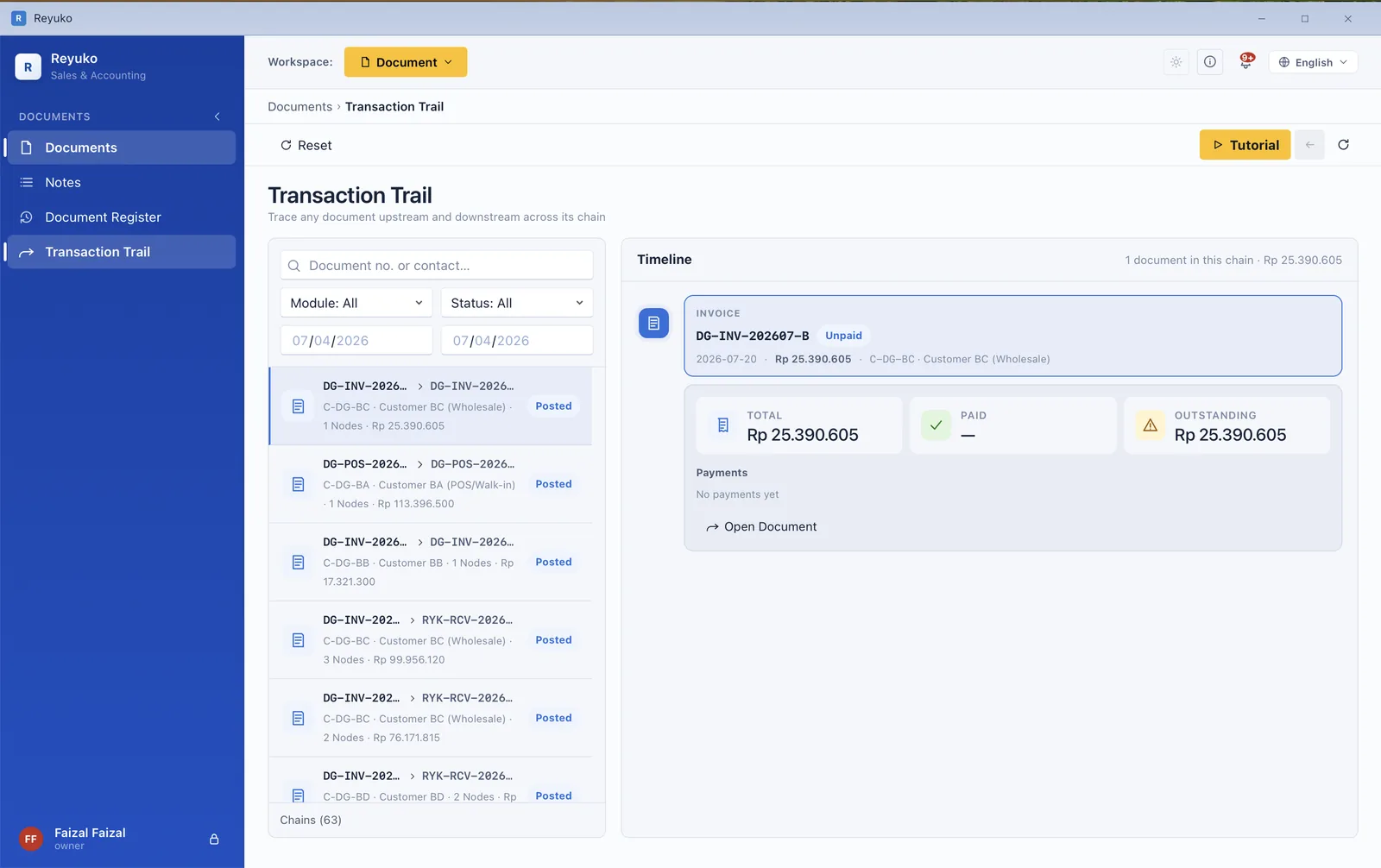
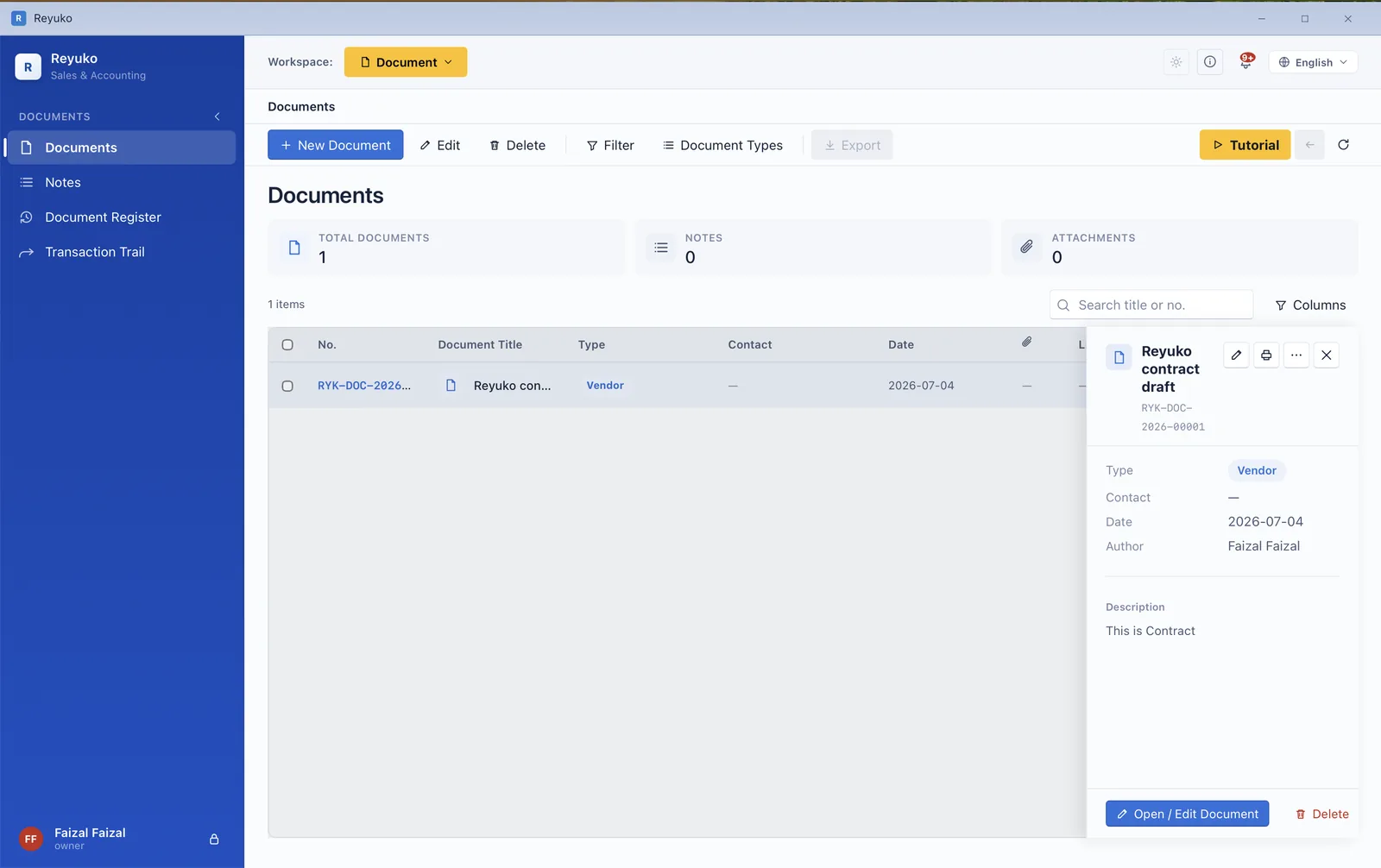
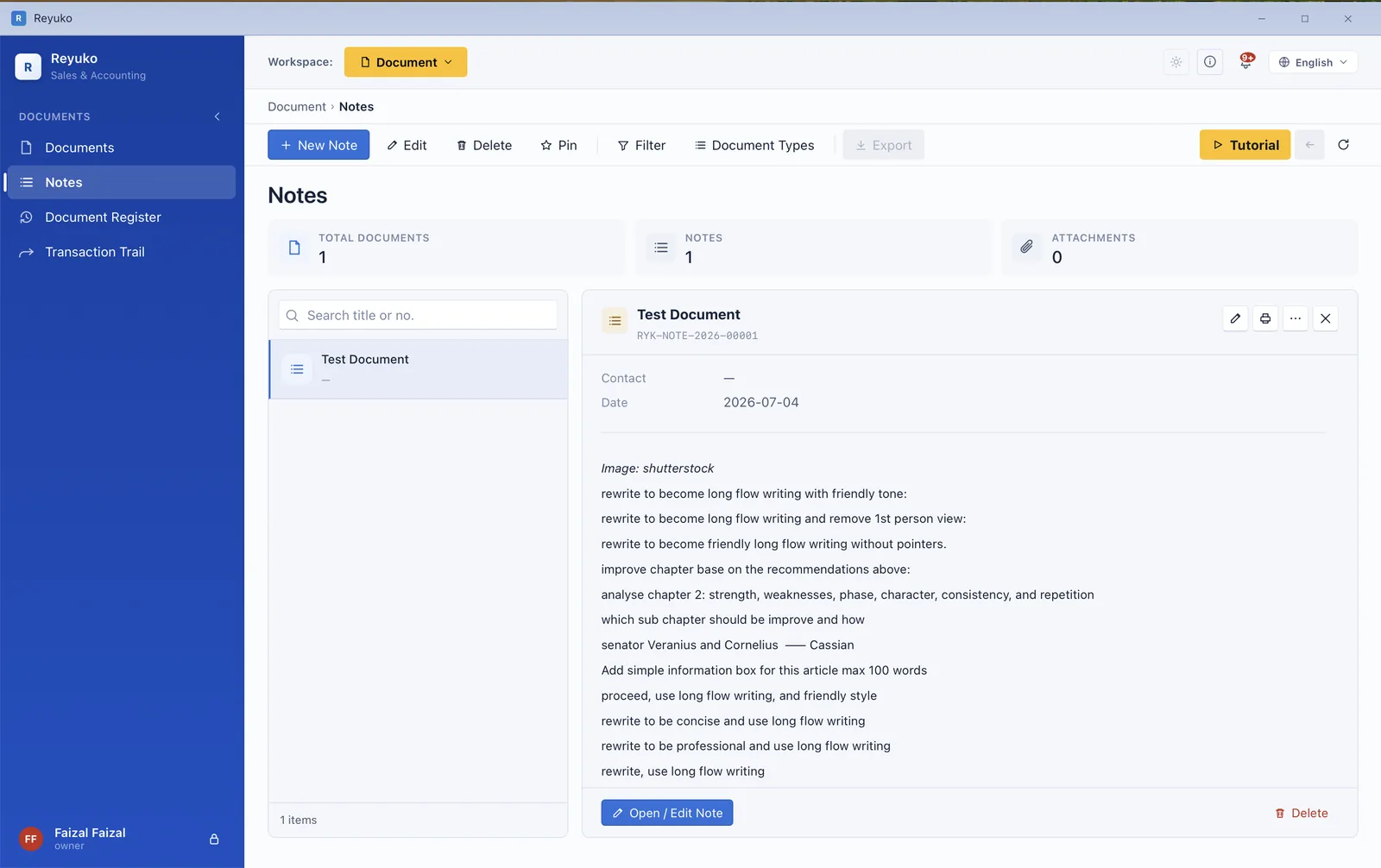
Contracts, receipts and internal notes normally live in a shared drive, disconnected from the entry they explain. Here they sit on the record — and the Transaction Trail walks any document up and down its chain to show what caused it and what finally settled it.
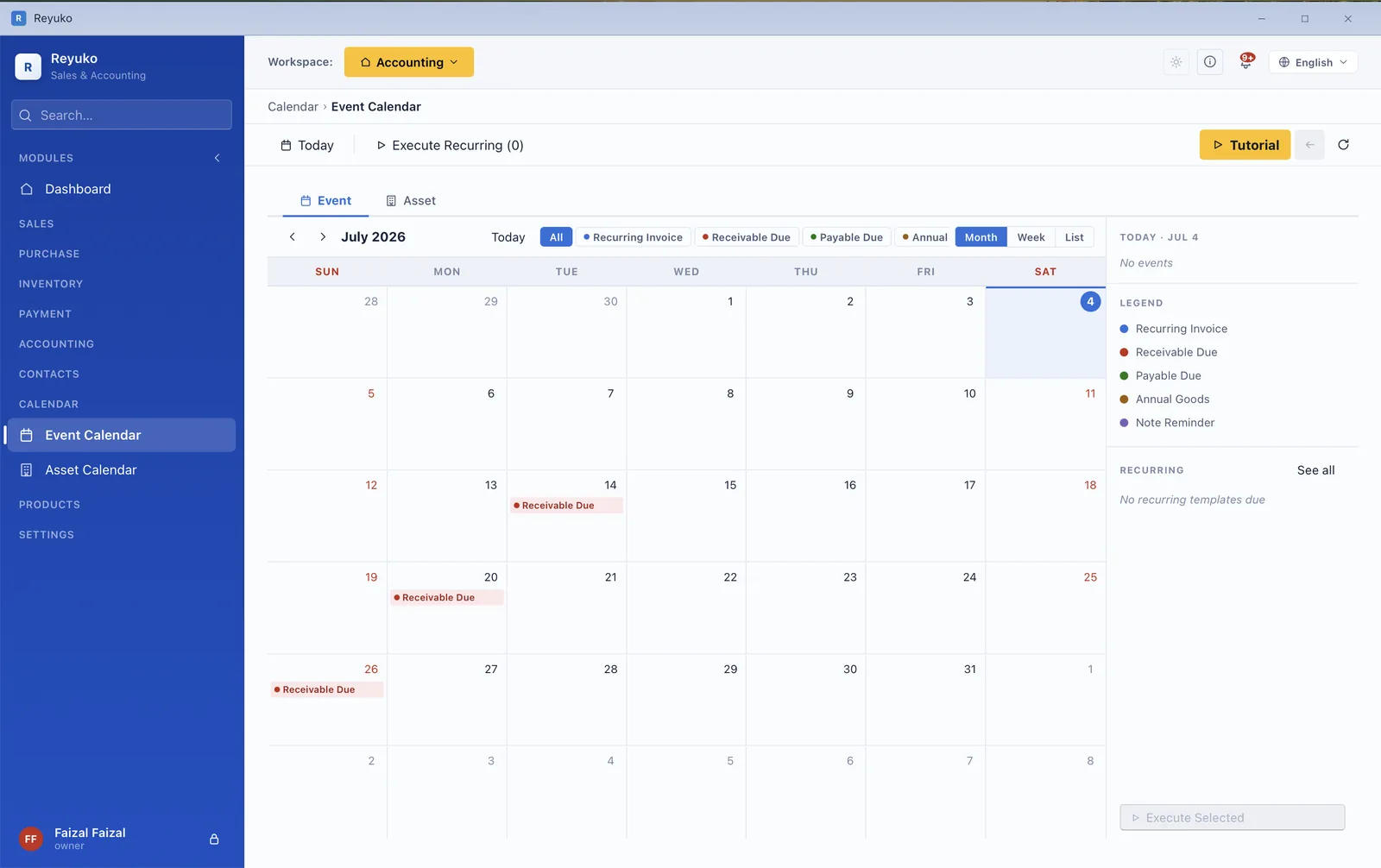
Due dates, recurring documents and asset bookings on one month grid — and you execute a recurring transaction from the calendar itself rather than remembering to go and find it.
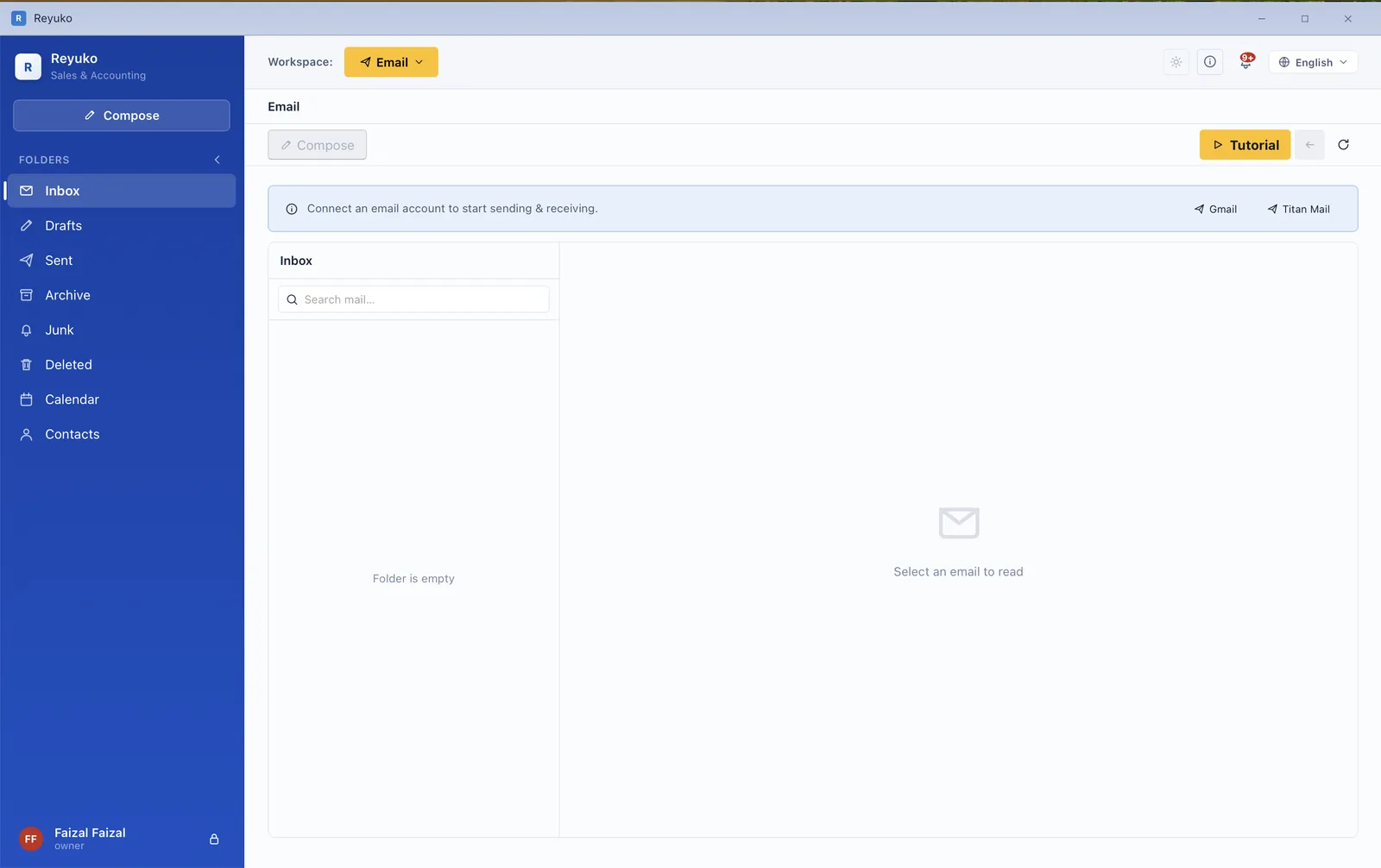
Not "send invoice via SMTP" — an actual inbox you read and reply in, next to the transactions the mail is about. No competitor in our comparison can receive mail at all, free or paid.
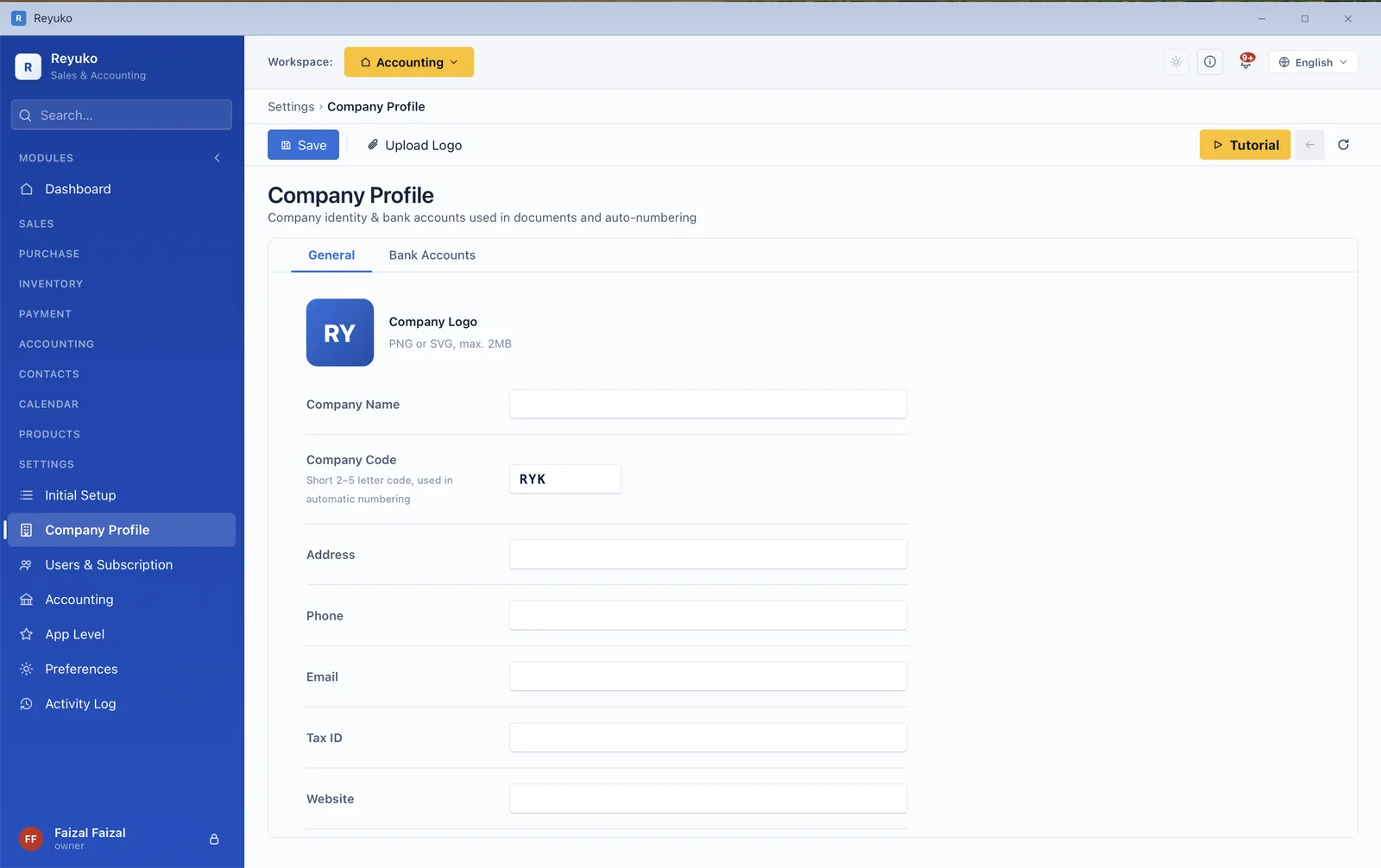
Setup is a guided hub rather than a wall of forms, and the books it produces are a file on your own machine. Cloud backup is a convenience you can buy, not the only place your data is allowed to live.
Basic hides the ledger behind cash-in and cash-out. Intermediate adds inventory, purchasing and the POS. Advanced exposes the full chart of accounts, budgets and dimensions. Switch whenever you like.
Each locale ships its own chart of accounts, tax treatment and payroll rules. The interface runs in 17 languages including right-to-left.
Retail, wholesale, manufacturing, clinic, F&B, professional services, digital, rental and education — each opening with transactions already posted, so the reports have something to show.
A consistent print toolbar on documents and reports, five document layouts, and CSV/Excel export from the lists.
Your books are a local database. Sign in once every 30 days to keep the licence live; everything between works with no connection.
Per-module walkthroughs inside the app, a 71-section manual on this site, and a free 108-lesson bookkeeping course if the accounting itself is new to you.
Every screen in the application, grouped by module. Items marked paid need a plan above Free — everything else is in the free tier.
Install it, load an industry template, and check this list against the application. No credit card, no sales call.
 Reyuko